Gboard - the Google Keyboard
Google LLC
Preview
Overview
Core Features
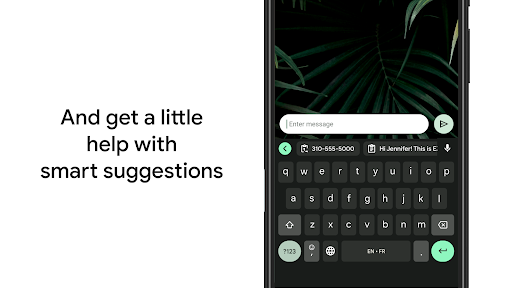
- The app features an intelligent auto-correct system that learns your typing habits over time for enhanced accuracy.
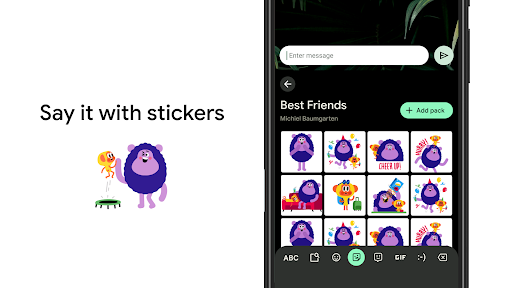
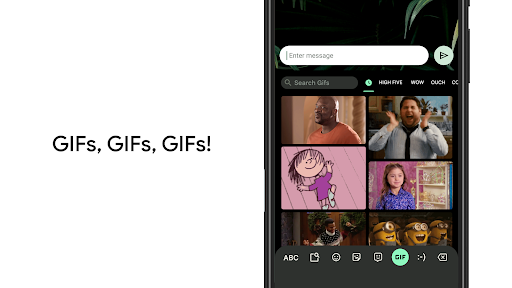
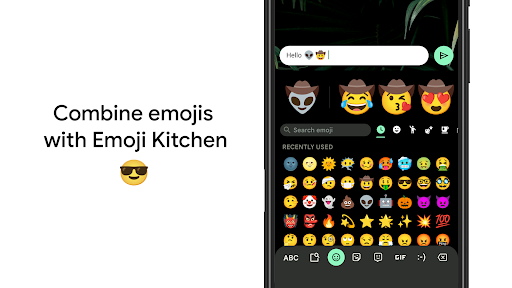
- It includes a built-in emoji and GIF search, making conversations more expressive without switching apps.
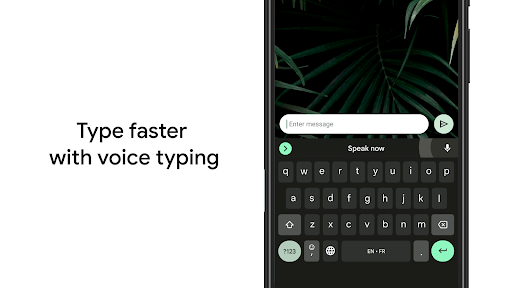
- Offers voice typing with high recognition accuracy to facilitate hands-free communication on your Android device.
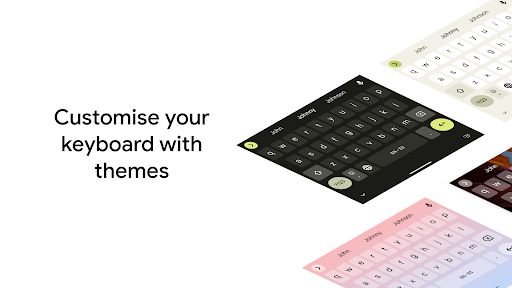
- The customizable themes and layouts allow users to personalize their keyboard to suit their style.
- Supports real-time sync across devices, ensuring your preferences and words are consistent everywhere.
- Provides an offline mode for typing without an internet connection, improving usability in all scenarios.
- Advanced app features include multilingual typing and gesture controls for faster navigation.
- Built as a launcher app for Android devices, it replaces the default keyboard with a smarter, more efficient solution.
Who This App Is For
This mobile app is perfect for Android users of all ages who want a fast, reliable, and customizable keyboard solution. It's especially useful for those who need a versatile app experience for everyday texting and communication.
Whether you're a student, professional, or casual user, this app-based solution enhances your mobile productivity. It's ideal for anyone looking to improve typing efficiency and enjoy a seamless app experience across devices.
Why Choose This App
This Android app offers a comprehensive suite of app features designed to elevate your typing experience. Its intelligent features and customization options make it a standout choice among launcher apps.
By addressing common frustrations like slow typing and limited personalization, it provides a trustworthy app-based solution that simplifies communication and boosts productivity in daily life.
Features
Intuitive Keyboard for Seamless Communication
Fast and Reliable Typing Experience
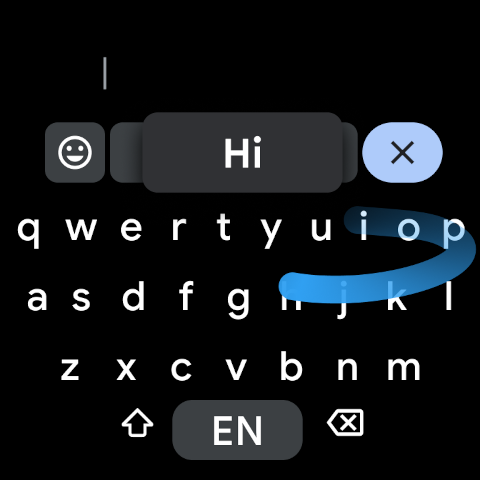
- Supports Glide Typing for quick words
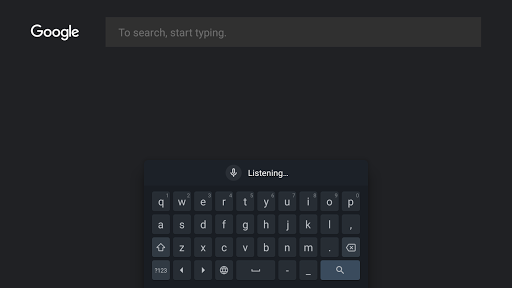
- Allows Voice Dictation for hands-free input
- Offers Handwriting Recognition for natural writing
Enhanced Search and Sharing Capabilities
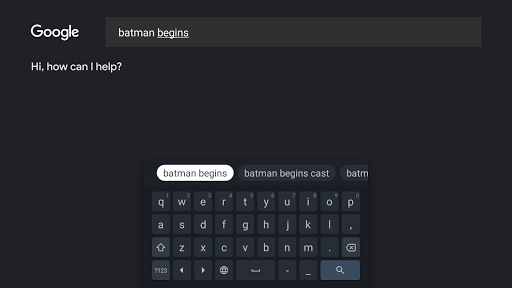
- Built-in Google Search for instant info
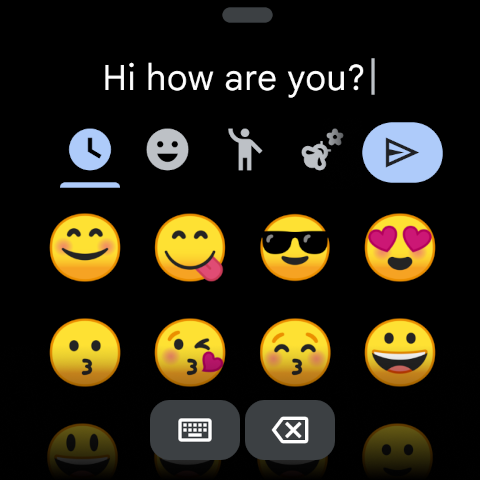
- Emoji Search for quick emoji discovery
- GIF Search for expressive images
Multilingual and Global Support
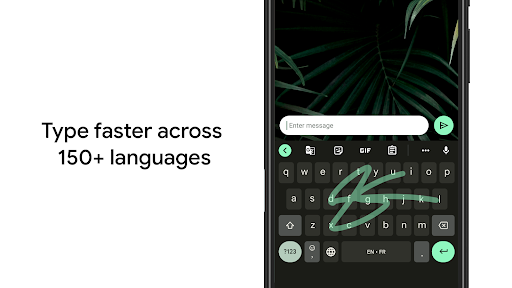
- Auto supports multiple languages simultaneously
- Suggests corrections in various languages
- Covers major languages worldwide
Translation and Accessibility Features
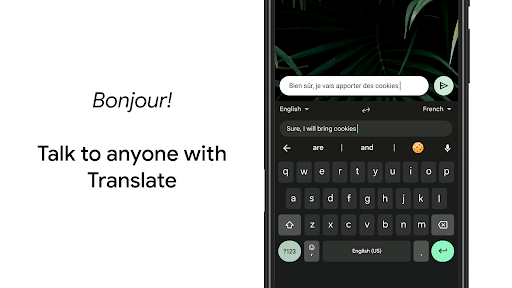
- Integrated Google Translate for instant translations
- Supports multiple dialects and scripts
Customizable Themes and Gestures
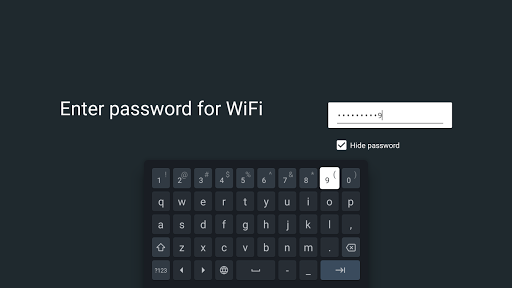
- Change backgrounds and keyboard styles
- Enable one-handed mode for ease
- Gesture controls for cursor movement and editing
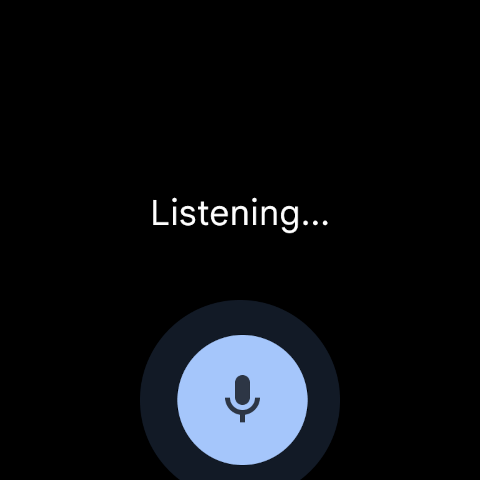
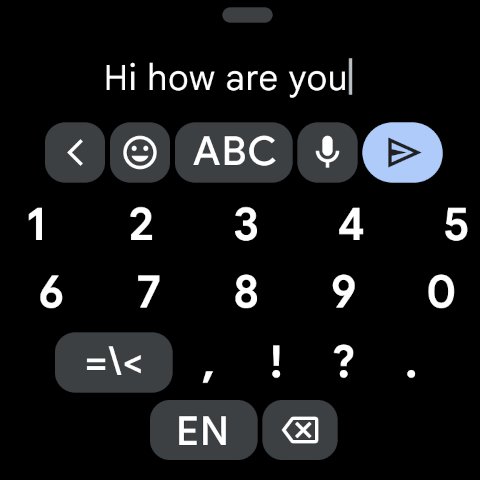
Smart Features for Wear OS Devices
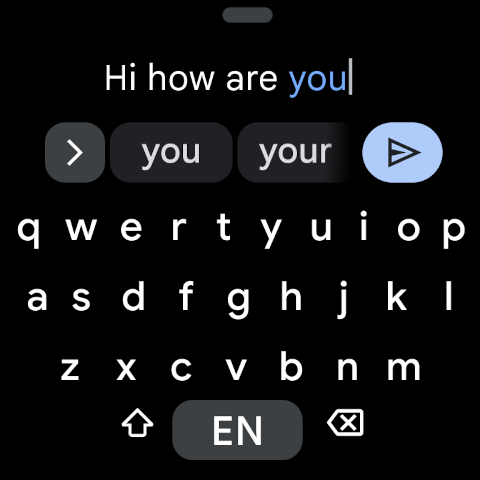
- Glide Typing on smartwatches
- Voice input and emoji search on wrist
- Multilingual support on devices
More Information
Gboard - the Google Keyboard is a popular mobile app designed to enhance the typing experience on Android and iOS devices. As a versatile keyboard app, it offers user-friendly features like glide typing, voice input, and integrated search, making communication faster and more convenient. Its intuitive interface ensures a smooth app experience for users seeking a reliable and efficient keyboard solution.
👍 Pros
- Accurate and context-aware typingGboard offers precise autocorrect and word predictions based on context, improving typing speed.
- Integrated multilingual supportSupports multiple languages simultaneously, allowing seamless switching without changing settings.
- Built-in Google SearchUsers can search and share information directly from the keyboard without switching apps.
- Gesture-based typing and glide typingEnables faster input through swipe gestures, enhancing user efficiency.
- Customizable themes and layoutsProvides various themes and layouts to personalize the keyboard appearance.
👎 Cons
- Battery consumption may increase due to real-time language processingRunning advanced features continuously can drain battery, but reducing background activity can help.
- Some users may find the autocorrect overly aggressiveCan sometimes change words incorrectly; adjusting settings can mitigate this.
- Offline handwriting recognition might be limited depending on deviceFull features require internet; offline mode may lack some capabilities but official updates are improving this.
- Occasional lag on low-end devicesPerformance may vary; closing background apps can improve responsiveness.
- Limited customization options for advanced usersWhile themes are available, deeper customization options are still developing; future updates are expected to enhance this.
Download Gboard - the Google Keyboard
You are going to be redirected to the official website to finish the download when you click these buttons above.