Color Adventure: Draw the Path
CASUAL AZUR GAMES
Preview
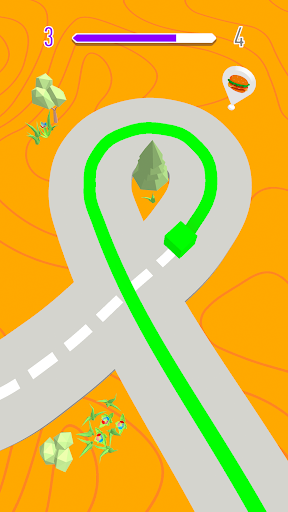
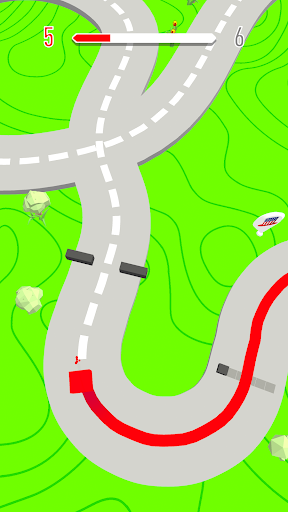
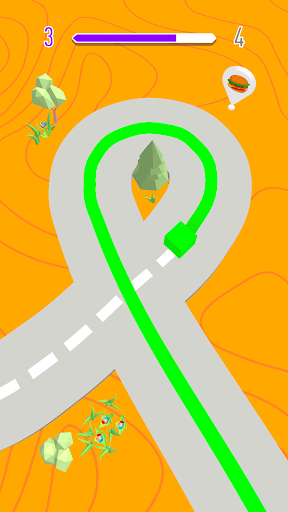
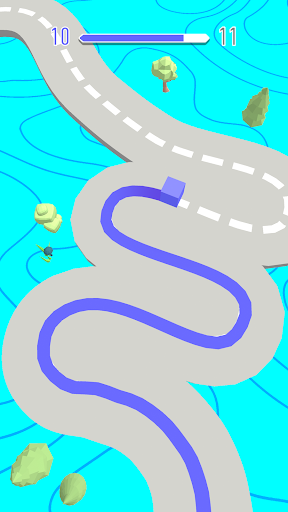
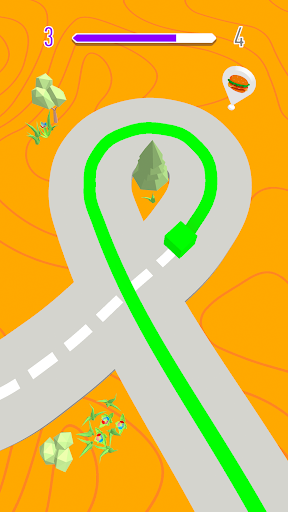
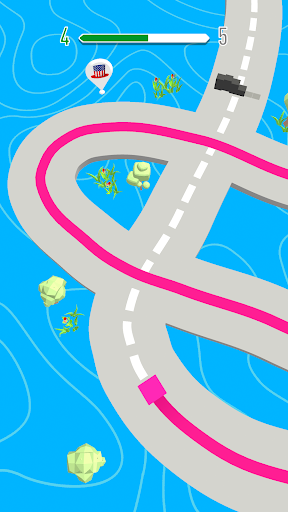
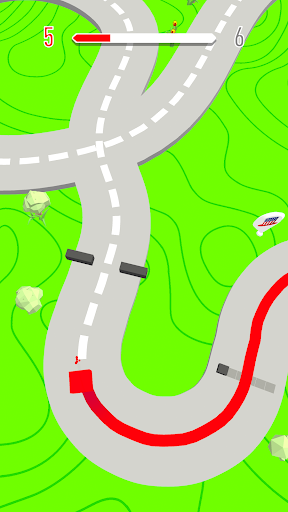
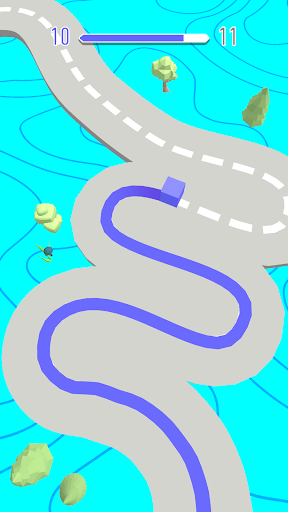
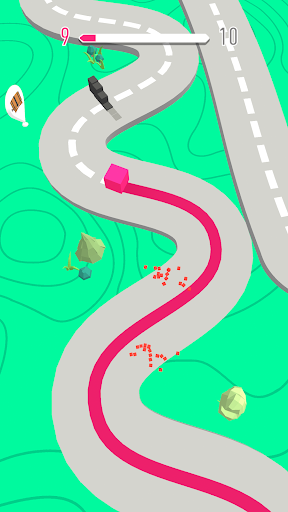
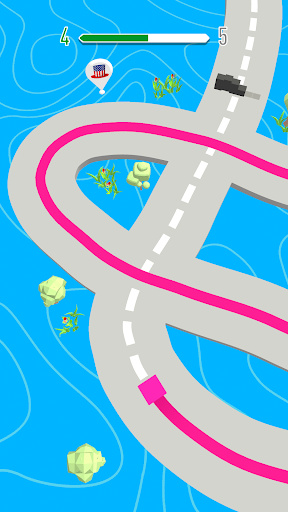
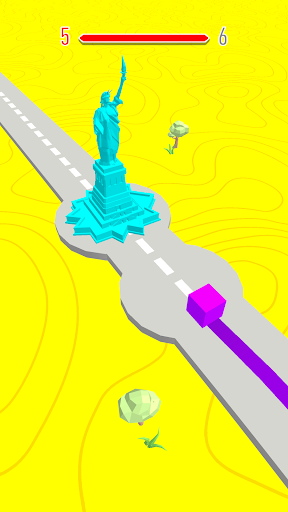
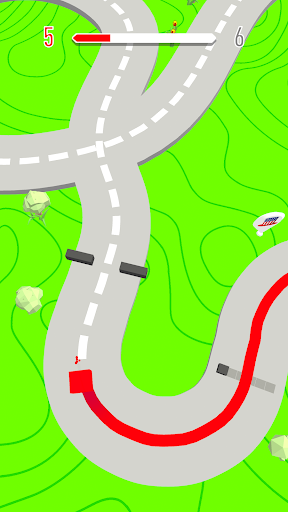
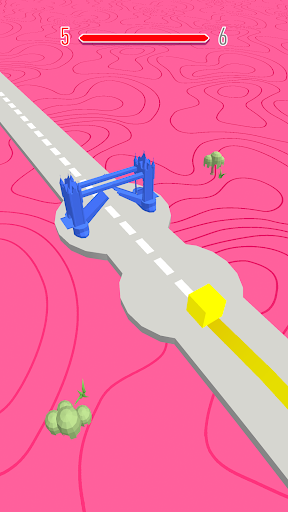
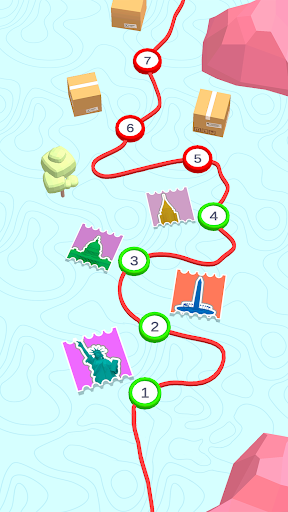
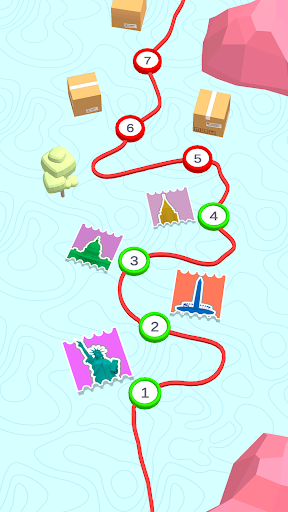
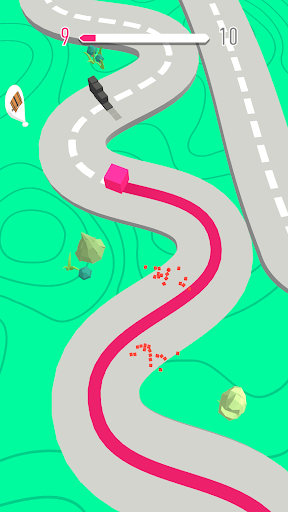
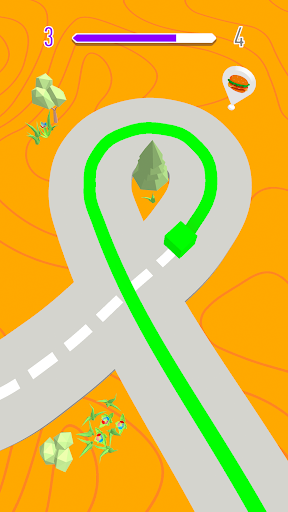
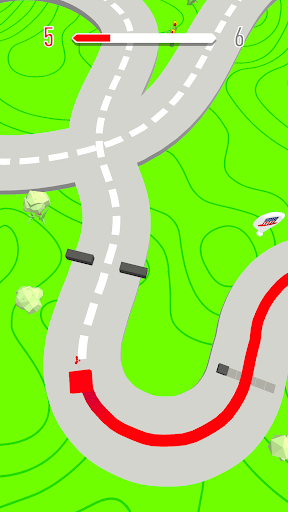
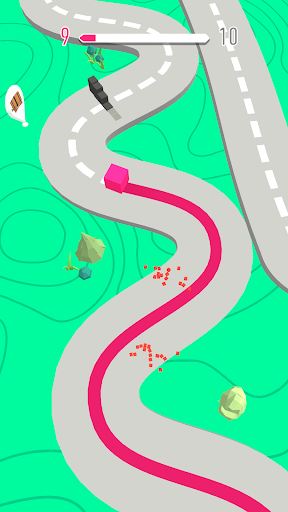
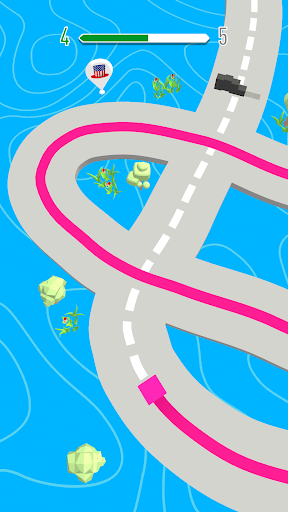
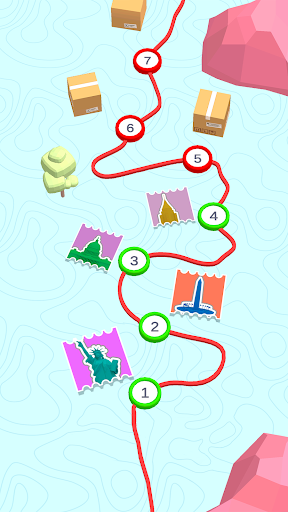
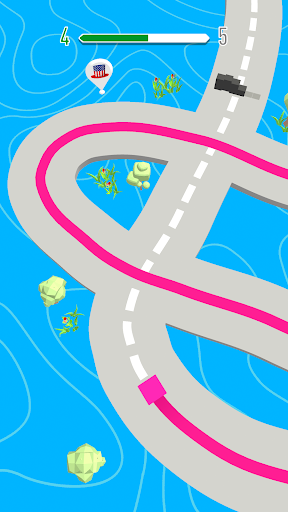
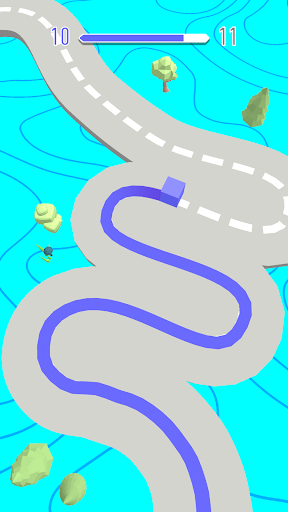
Overview
Core Features
- The app features an intuitive drawing tool that allows users to draw paths easily with precise control and responsiveness.
- It offers multiple game modes, including challenge levels and free drawing, to keep users engaged and enhance the app experience.
- The app supports real-time sync, enabling seamless gameplay across devices without interruption.
- The interface includes a variety of creative tools and color options, enriching the app features for more artistic freedom.
- Designed as a launcher app for arcade-style challenges, it provides quick access to engaging mini-games and levels.
- Users can track their progress and achievements, adding a layer of motivation and trustworthiness to the app experience.
Who This App Is For
This mobile app is perfect for casual gamers, children, or anyone who enjoys fun, creative arcade experiences on their Android device. It's ideal for users seeking a simple yet engaging app-based solution for entertainment.
Whether you're looking to pass time during your commute or want a creative outlet, this app provides a versatile app experience with drawing and arcade features suited for all age groups and skill levels.
Why Choose This App
This Android app stands out by combining innovative app features with smooth gameplay, offering a unique and reliable app-based solution. Its easy-to-use interface ensures an enjoyable experience, making it a smart choice for arcade game enthusiasts.
It solves common frustrations with cluttered or complicated apps by delivering fast, straightforward gameplay and diverse features that enhance your overall user experience. This sets it apart from other similar apps on the market.
Features
Level 1:
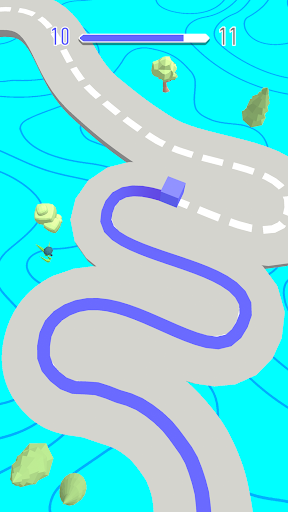
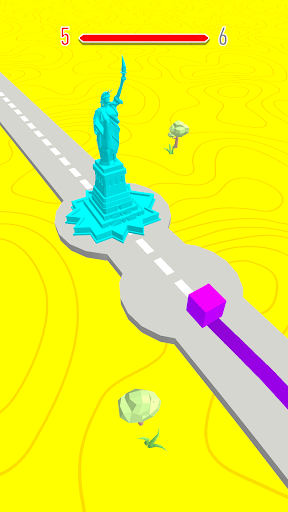
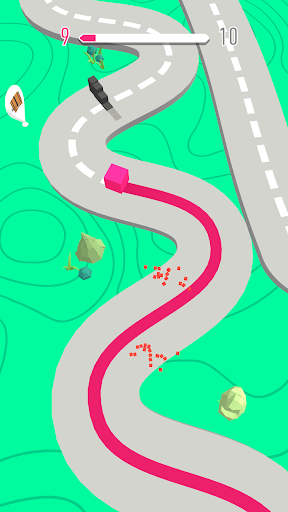
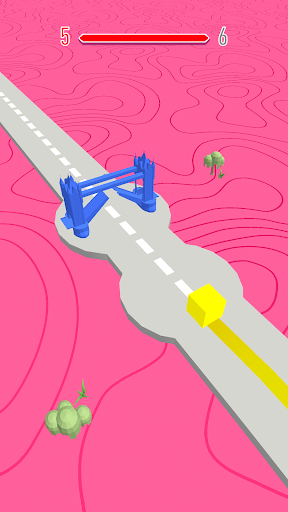
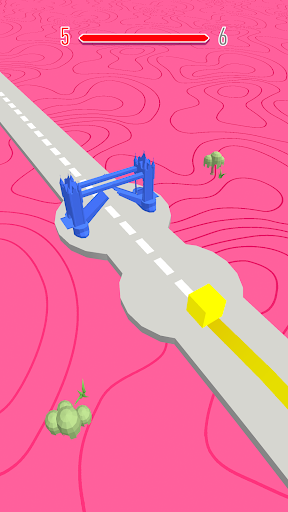
Fun colorful path drawing game
Second level:
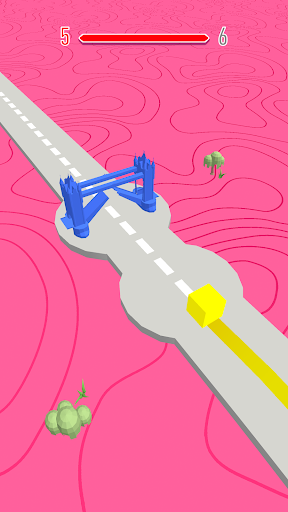
Engaging mix of creativity and relaxation
Third level:
- Easy swipe controls for drawing paths
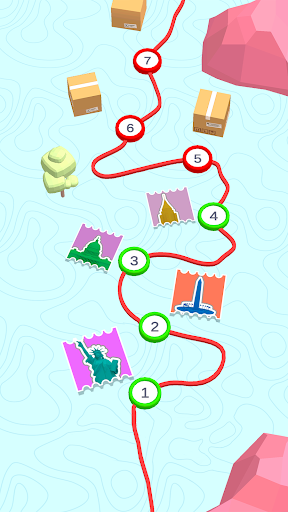
- Challenging levels with increasing difficulty
- Customizable cube skins for personalization
- Visually appealing minimalistic 3D graphics
Fourth level:
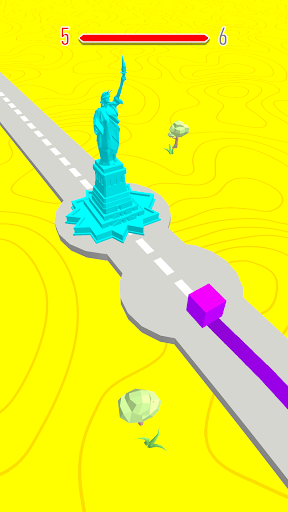
- Explore diverse landscapes and obstacles worldwide
- Share achievements and connect with players online
More Information
Color Adventure: Draw the Path is an engaging arcade-style mobile app designed to provide users with a fun and challenging gaming experience. This Android app offers intuitive gameplay where players draw paths to guide characters through colorful levels. Its simple mechanics and vibrant visuals create an enjoyable app experience suitable for all ages.
👍 Pros
- Engaging and colorful drawing mechanicsColor Adventure offers a vibrant interface that keeps users engaged and motivated to complete drawing paths.
- Intuitive touch controls for seamless drawingThe app provides smooth and responsive touch interactions, making it easy for both kids and adults to navigate.
- Creative pathway design encourages artistic expressionUsers can create unique routes, fostering creativity and personalization in their drawings.
- Clear and calming visual feedback enhances user experienceGentle animations and sounds provide positive reinforcement without being distracting.
- Progress tracking motivates continued useThe app includes rewarding features to encourage users to keep practicing and improving.
👎 Cons
- Limited variety of drawing toolsCurrently, the app offers basic colors and line types, which may limit creative options.
- Potential difficulty with complex paths on smaller screensUsers may find it challenging to accurately draw intricate paths on small devices, but zoom features or styluses could mitigate this.
- Lack of tutorial for beginnersA guided tutorial could help new users understand features more quickly, which is planned for future updates.
- No collaborative features yetThe app does not support sharing or collaborating on drawings, but this may be added in later versions.
- Occasional lag during intensive drawing sessionsOn some devices, slight performance hiccups may occur, but optimizing app performance is a future goal.
Download Color Adventure: Draw the Path
You are going to be redirected to the official website to finish the download when you click these buttons above.