All Translate: Photo, PDF, DOC
Daily Tool Labs
Preview
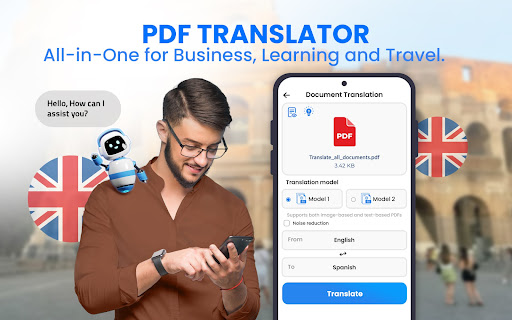
Overview
Core Features
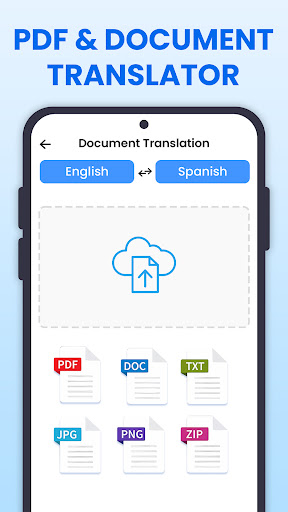
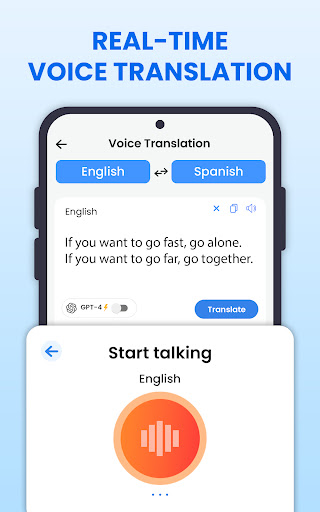
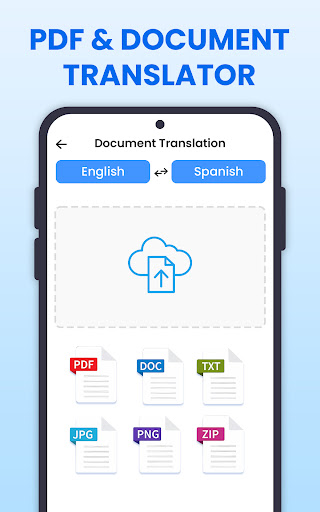
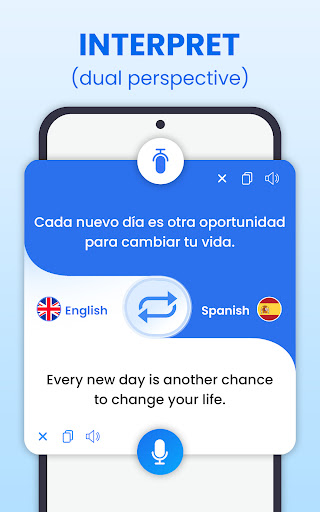
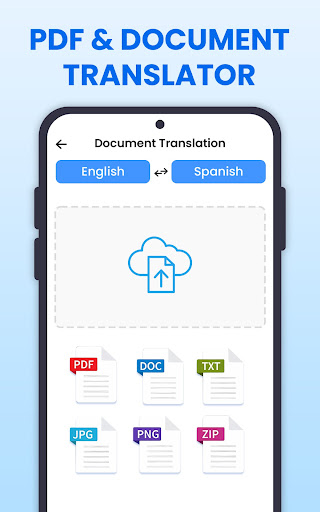
- Supports photo, PDF, DOC, and voice translation for a wide range of document types and media.
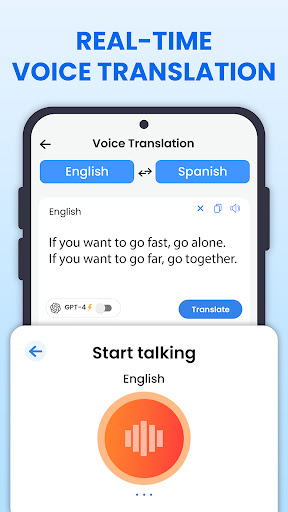
- Offers real-time translation with high accuracy, making communication smoother across languages.
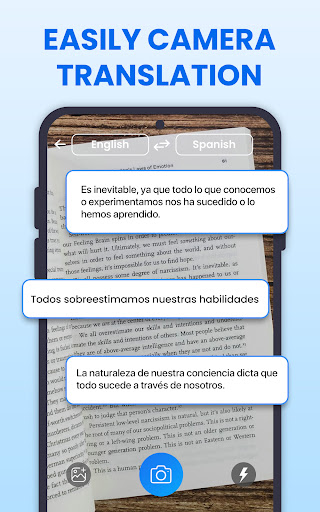
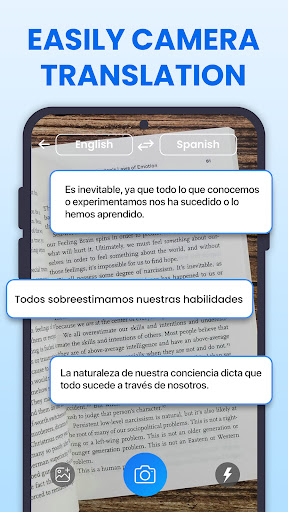
- Includes an OCR scanner to convert images into editable and translatable text efficiently.
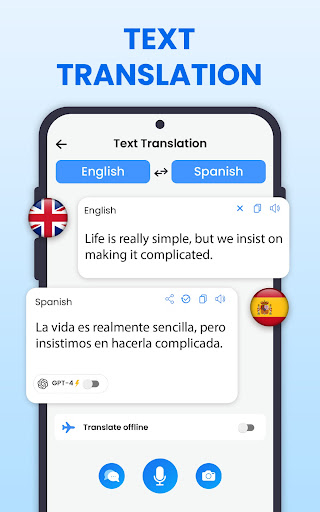
- Provides offline mode, so users can translate without internet access, ensuring convenience anytime.
- Features a user-friendly interface that simplifies navigation and enhances the app experience.
- Built as an Android app, ensuring compatibility with most Android devices and seamless performance.
- Provides an integrated launcher app option for quick access to translation functions directly from your home screen.
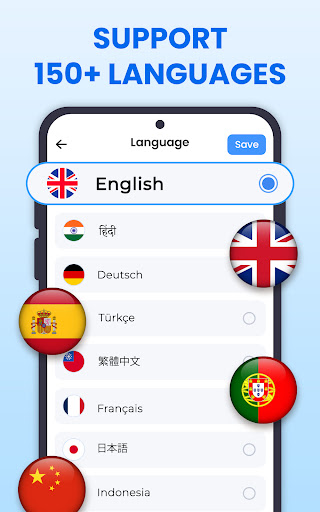
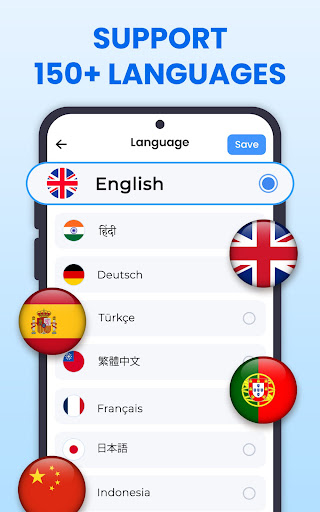
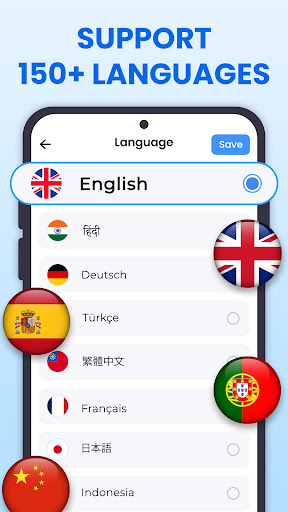
- Supports multi-language translations, making it a versatile app-based solution for global users.
Who This App Is For
This mobile app is ideal for students, travelers, professionals, and anyone needing quick translations on their Android app device. Whether you're studying languages or communicating abroad, this app offers an easy-to-use solution.
It is perfect for those who often work with documents in different formats or need real-time voice translation for personal or business use. Users seeking a reliable app experience will find this app a practical app-based solution for all their translation needs.
Why Choose This App
This Android app stands out with its comprehensive app features that deliver accurate translations across media types. It provides a smooth app experience that simplifies language barriers and boosts productivity.
Designed with user needs in mind, it solves common translation challenges by offering offline access and instant results. Its versatile approach makes it a trusted choice among launcher apps and translation tools for many users worldwide.
Features
Simple and Precise Language Translation Tool
Accurate and Multilingual Efficiency
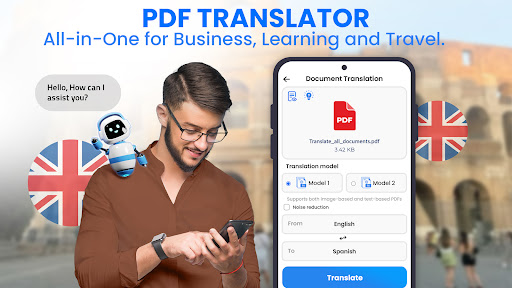
(Enhanced) document layout preservation for professional use
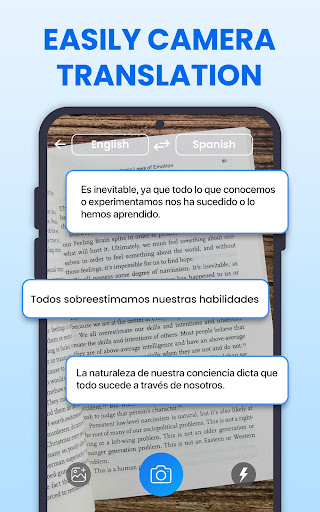
(Quick) photo text recognition for travel needs
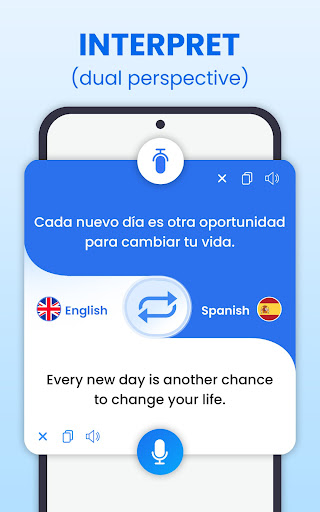
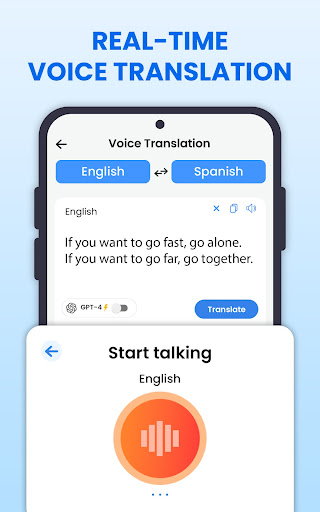
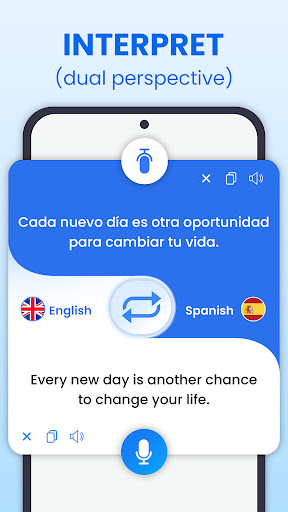
(Real-time) speech translation for seamless communication
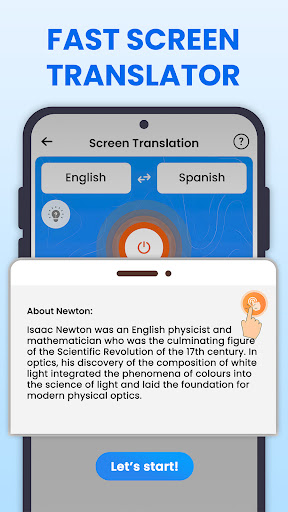
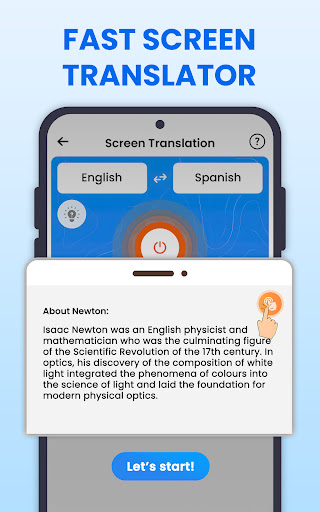
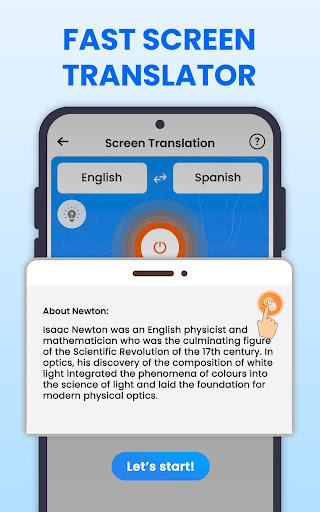
(Selectable) on-screen content translation for everyday browsing
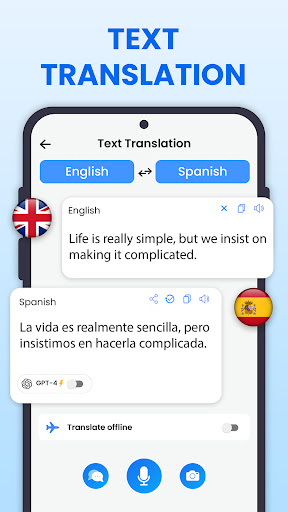
(Rapid) text input translation for efficient learning
(Extensive) language support for global connectivity
(Convenient) scenario-based translation for varied contexts
More Information
All Translate: Photo, PDF, DOC is a versatile mobile app designed to simplify language translation by providing quick and accurate conversions of text from images, PDFs, and documents. This Android app offers an intuitive user experience, allowing users to easily translate content across various formats with just a few taps. Its streamlined features make it an effective app-based solution for travelers, students, and professionals seeking reliable translation tools on their devices.
👍 Pros
- High-Quality Image and Document ConversionThe app effectively translates images, PDFs, and DOC files into editable formats, ensuring accuracy.
- User-Friendly InterfaceIntuitive design allows users to quickly navigate and access essential features without a steep learning curve.
- Multi-Format SupportSupports a variety of formats like JPEG, PNG, PDF, DOC, making it versatile for different needs.
- Fast Processing SpeedConversion processes are generally quick, saving users valuable time.
- Built-in Editing ToolsIncludes basic editing options for documents, enhancing workflow efficiency.
👎 Cons
- Occasional Recognition Errors in Complex LayoutsComplex documents or images with intricate formatting may result in minor inaccuracies.
- Limited Export Options for Free UsersFree version may restrict some output formats or quality settings, requiring upgrade for full features.
- Requires Stable Internet Connection for Some FeaturesCertain functions depend on cloud processing, which can be problematic in poor network environments.
- Occasional Lag with Large FilesProcessing very large documents may cause temporary delays or app crashes.
- Limited Advanced Editing FeaturesAdvanced editing tools are minimal, so professional users may need supplementary software.
Download All Translate: Photo, PDF, DOC
You are going to be redirected to the official website to finish the download when you click these buttons above.







