AR Drawing Paint Sketch Trace
ideaFun - Pixel Art Coloring Games Color by Number
Preview
Overview
Core Features
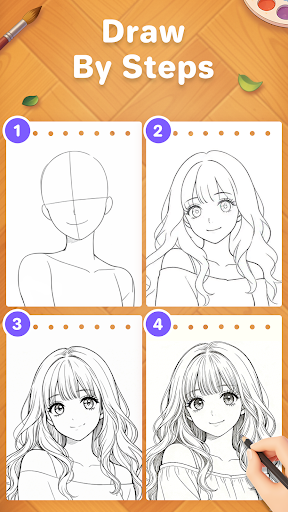
- The app features an intuitive drawing and sketching interface suitable for beginners and professionals alike.
- Includes multiple brushes, colors, and tools to enhance creativity in your art projects.
- Real-time tracing and sketching capabilities help users improve their drawing skills quickly.
- Offers an offline mode, allowing creative work without internet connectivity, enhancing app experience.
- Supports layering and undo/redo functions for more precise and flexible editing.
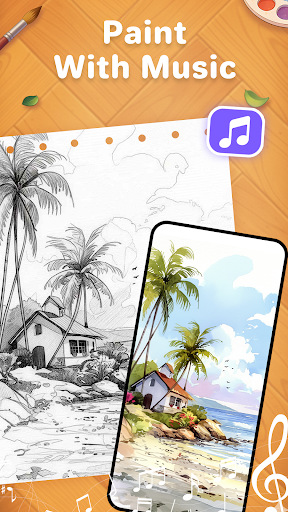
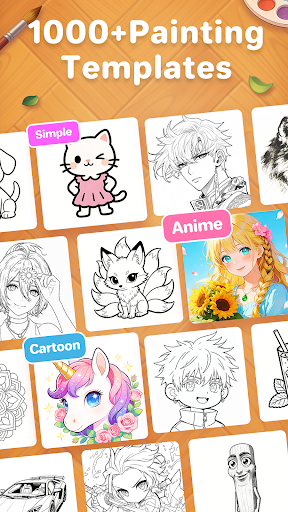
- Provides a variety of fun and interactive drawing templates to spark imagination.
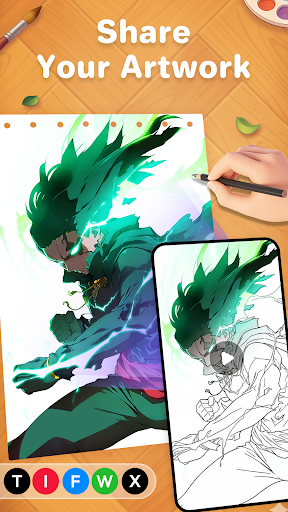
- Easy sharing options enable quick upload of artworks to social media or exporting to device storage.
Who This App Is For
This mobile app is perfect for art enthusiasts, students, and hobbyists who enjoy expressing their creativity through drawing and sketching. It appeals to users of all ages looking for a simple yet powerful art tool on their Android device.
Whether you're an aspiring artist, a classroom teacher, or someone seeking a fun app-based solution for relaxing and learning, this app offers a versatile platform for various artistic activities and project ideas.
Why Choose This App
This Android app stands out with its user-friendly interface and comprehensive app features designed to deliver an engaging drawing experience. It provides a seamless app experience, making creative expression accessible for everyone.
Its robust set of tools and offline capabilities address common user needs, making it a reliable app-based solution for both casual sketching and more serious art projects, ensuring trustworthiness and long-term satisfaction.
Features
Discover AR Drawing Paint Sketch Trace: An Innovative Art Tool
Immersive AR Projection for Precise Tracing
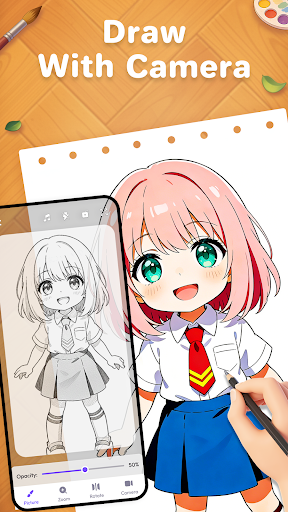
Seamless Camera Integration for Real-Time Object Capture
Personalized Settings for Comfortable Sketching Experiences
Vast Library of Artistic Templates and Designs
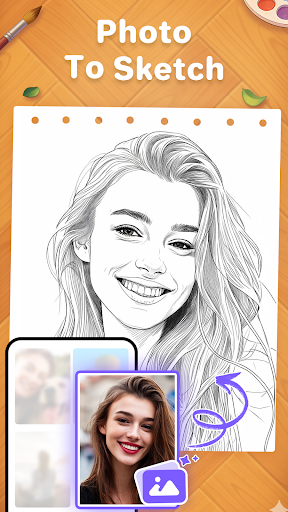
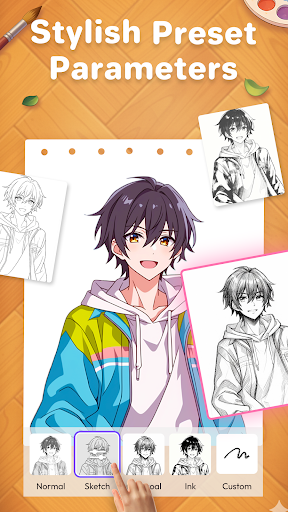
Transform Photos into Detailed Sketches Easily
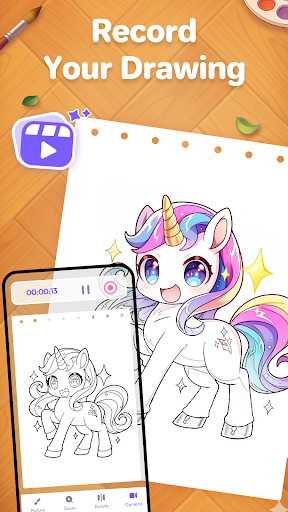
Record and Share Creative AR Art Sessions
Showcase Skills with Guided Tutorials and Achievements
More Information
AR Drawing Paint Sketch Trace is an engaging art and design mobile app that allows users to create stunning sketches, paintings, and traced drawings easily. Designed for both beginners and experienced artists, this Android app provides intuitive tools to enhance your creative experience and explore your artistic talents with an innovative app-based solution.
👍 Pros
- Intuitive drawing interfaceThe app offers a user-friendly layout that is easy for beginners to navigate.
- Wide variety of drawing toolsIncludes pencils, brushes, and tracing features suitable for different artistic styles.
- Quality AR overlay experienceProvides smooth and accurate augmented reality projection onto real-world surfaces.
- Good for learning and practiceHelpful tracing features assist users in improving their drawing skills.
- Regular updates and new featuresThe developers actively improve the app based on user feedback, enhancing usability.
👎 Cons
- Limited offline functionalityMost features require an internet connection; offline mode is limited, which may hinder outdoor use.
- Battery consumptionAR and drawing operations can drain device batteries quickly, affecting long-term use.
- Small selection of templatesCurrent templates are somewhat limited; adding more would benefit users seeking variety.
- Occasional lag during complex drawingsHigh-detail sketches may experience lag, but optimizing app performance could help.
- Limited platform compatibilityAvailable only on certain operating systems; expanding to other platforms would broaden user access.
Download AR Drawing Paint Sketch Trace
You are going to be redirected to the official website to finish the download when you click these buttons above.







