Color Wheel
Roman Sevastianov
Preview
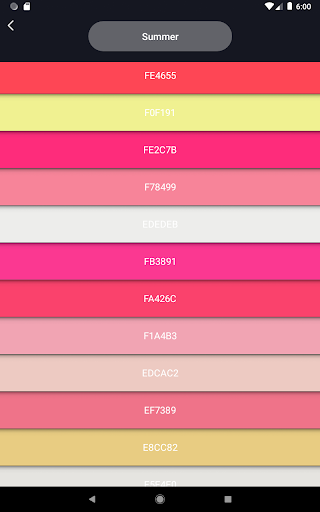
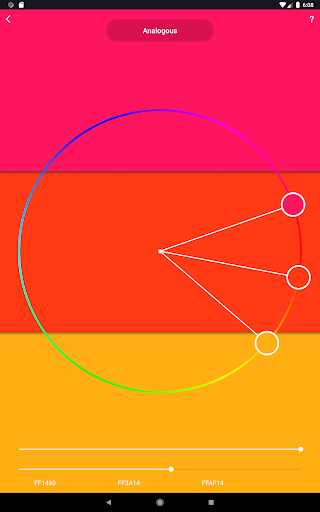
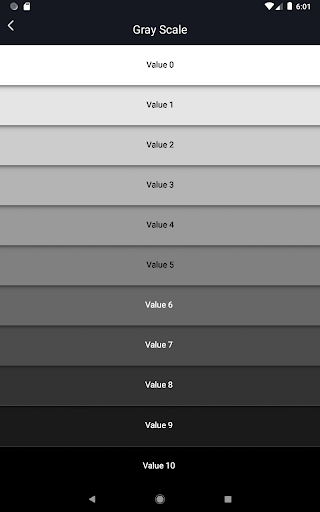
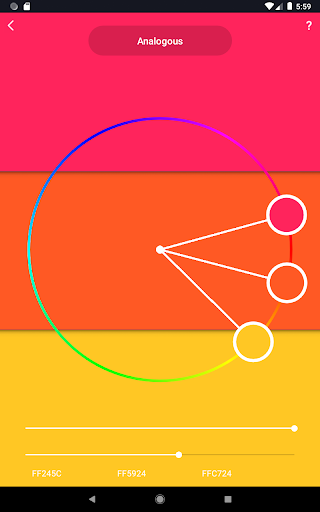
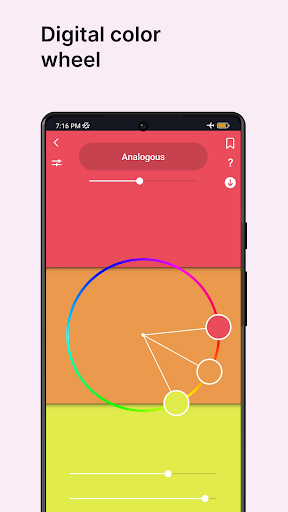
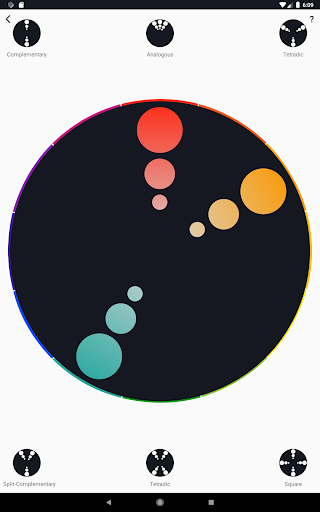
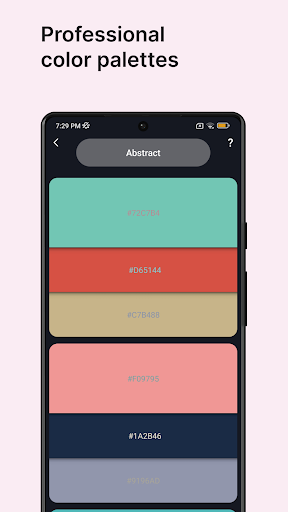
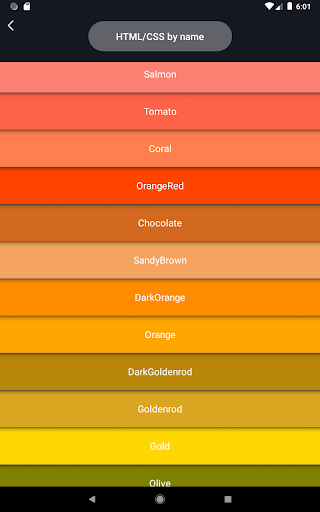
Overview
Core Features
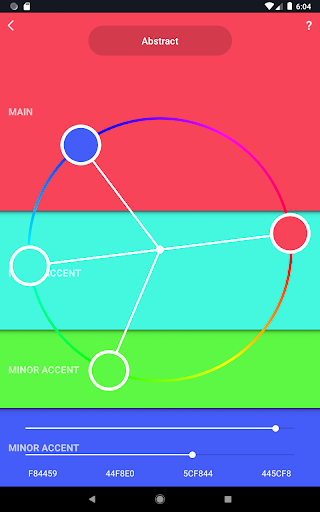
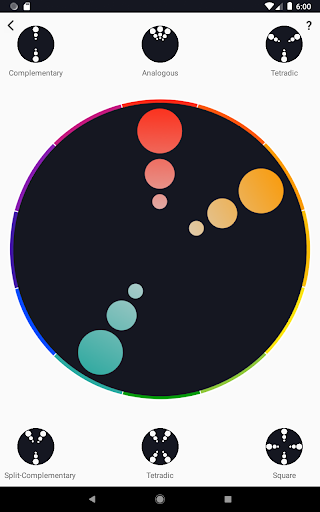
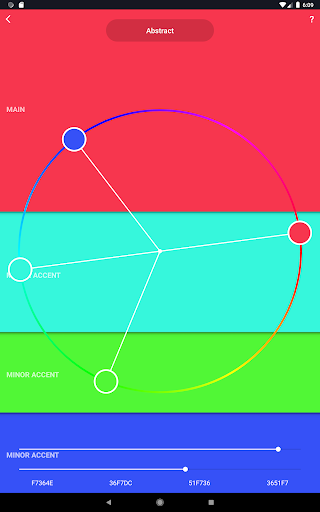
- The app features a highly responsive color wheel allowing easy selection of colors for any design project.
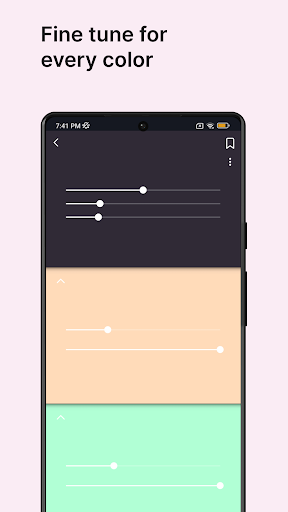
- It offers advanced customization options, including hue, saturation, and brightness controls to suit your preferences.
- Real-time color preview helps users see changes instantly, enhancing the app experience for artists and designers.
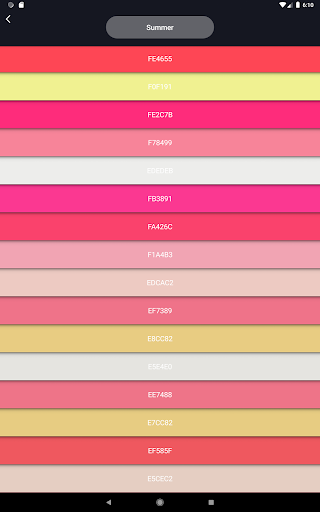
- Includes a palette saving feature to organize and revisit favorite color schemes quickly, ideal for app-based solutions.
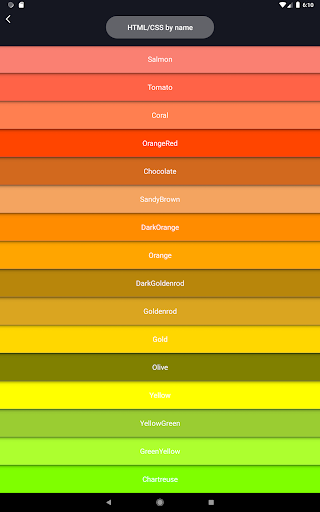
- Supports multiple color models like RGB, HEX, and HSL, making it versatile for various creative workflows.
- The app boasts an intuitive interface designed for both beginners and experienced artists in the art and design community.
Who This App Is For
This mobile app is perfect for artists, designers, and hobbyists of all ages who want a simple yet powerful color tool. Whether you're working on digital art or traditional crafts, this app enhances your creative process.
Designers using an Android app for quick color reference and seamless palette creation will find this app especially useful for real-time adjustments and multi-purpose use cases, making it a versatile app-based solution.
Why Choose This App
This Android app stands out by combining ease of use with advanced app features, offering a smooth app experience for color selection and customization.
Its reliable performance solves common color management problems, making it a trusted choice for creative professionals seeking an efficient and intuitive launcher app for their design needs.
Features
Simplifies color selection for creative projects
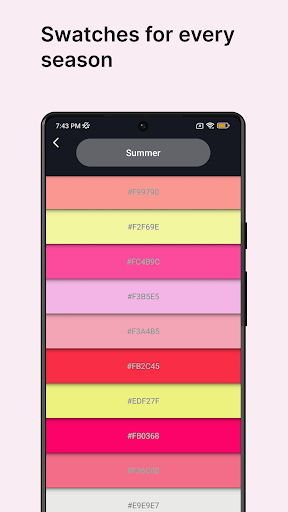
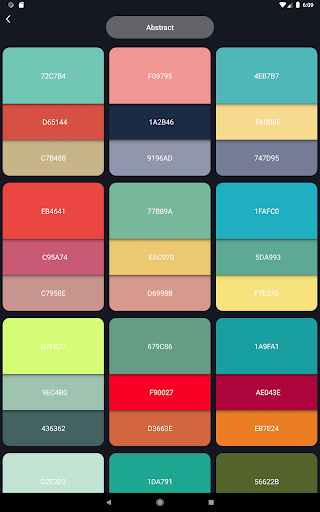
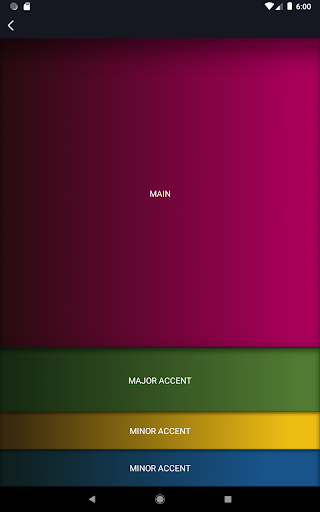
Highlights versatile color schemes for design needs
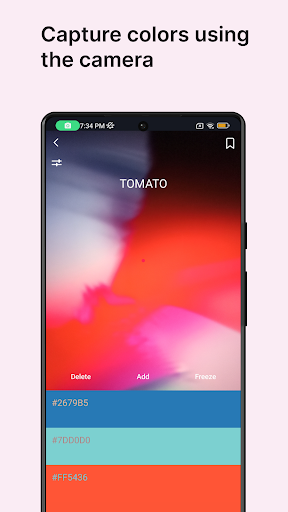
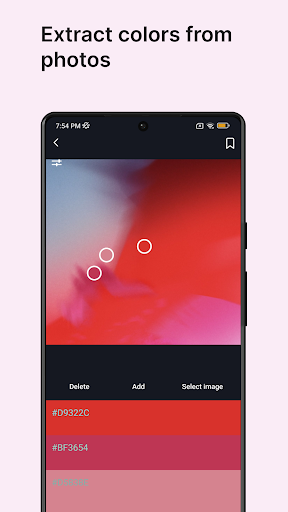
Uses color picker to extract from photos and environment
Offers customizable palettes for quick access and saving
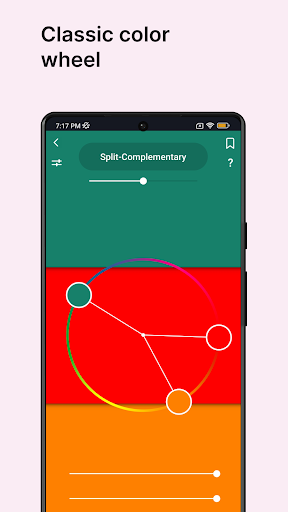
Provides color harmony guides for balanced mood creation
Enables palette generation from images and photos
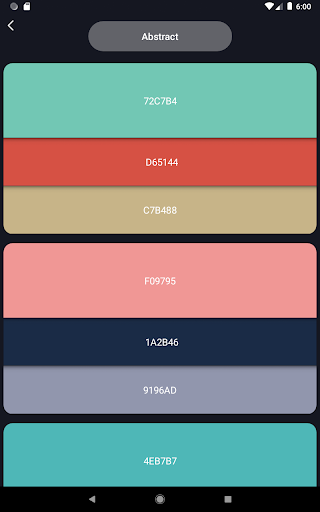
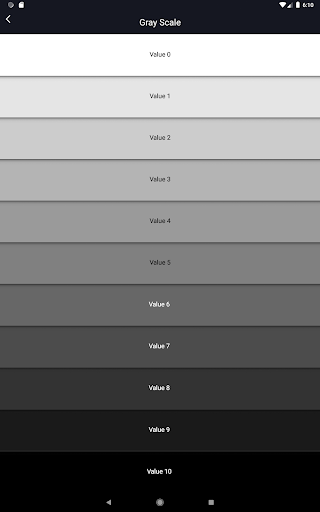
Features advanced tools for abstract and classic color exploration
Supports diverse users including designers, artists, and hobbyists
More Information
Color Wheel is a versatile art and design mobile app that allows users to explore and create with a comprehensive color palette tool. Designed for both beginners and professionals, this Android app provides an intuitive interface and a wide range of features to enhance your creative projects. Its user-friendly experience makes it easy to experiment with color combinations, making it an excellent choice for artists, designers, and hobbyists alike.
👍 Pros
- Intuitive Color SelectionThe app provides a user-friendly interface for quick and easy color wheel navigation, suitable for both beginners and designers.
- Comprehensive Color PaletteIncludes a wide range of harmonious color schemes, helping users find the perfect combinations for their projects.
- Customizable Color OptionsAllows users to modify and save their own color schemes for future use, enhancing workflow flexibility.
- Real-time Color PreviewOffers instant visual feedback of color choices on various objects, improving accuracy in design work.
- Cross-Platform AccessibilityAvailable on multiple devices and platforms, enabling seamless transitions between desktop and mobile use.
👎 Cons
- Limited Export OptionsCurrently, the app only supports exporting color schemes as images or simple text, lacking advanced formats like SVG or Adobe Swatch files.
- Basic Color Adjustment ToolsOffers limited options for fine-tuning color tones or applying complex color adjustments, which may frustrate professional users.
- Offline Functionality ConstraintsSome features are disabled without an internet connection, but official updates are expected to improve offline usability.
- Inconsistent Color AccuracyColor rendering may vary across different devices; calibration or color profile support could enhance consistency.
- Limited Tutorial ResourcesProvides minimal onboarding or guidance for new users; community forums and official tutorials will be expanded in future updates.
Download Color Wheel
You are going to be redirected to the official website to finish the download when you click these buttons above.







