Control Panel Plus - Center
Tap into Apps
Preview
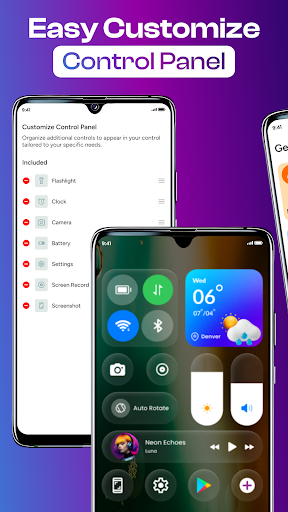
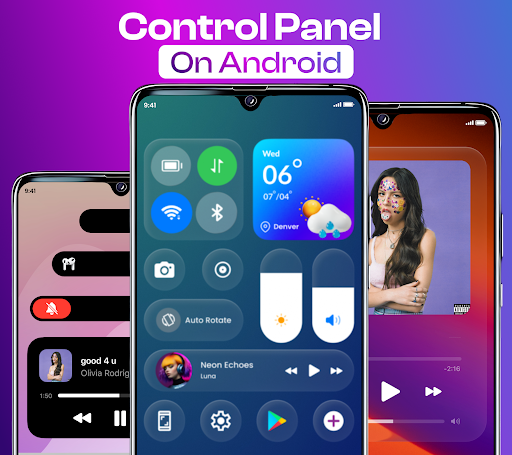
Overview
Core Features
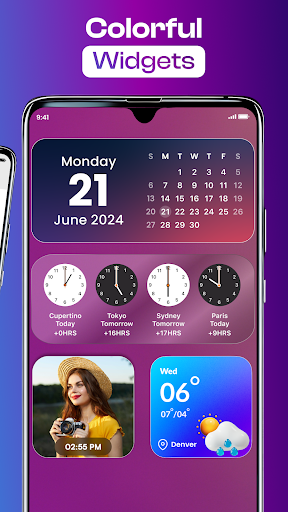
- The app features customizable widgets and icons to create a personalized home screen experience.
- It offers seamless real-time sync across devices, ensuring your settings and layouts are always up to date.
- Includes a variety of launcher app options that enhance navigation and improve overall app experience.
- Provides quick access to frequently used apps and settings with user-friendly shortcut options.
- Supports offline mode, allowing users to customize and access certain features without an internet connection.
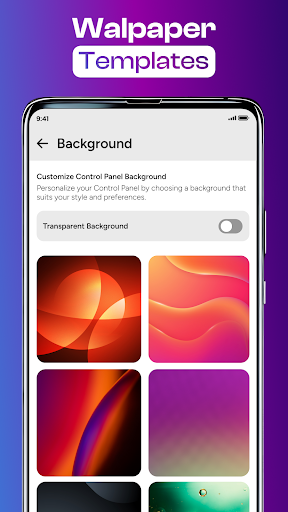
- Offers extensive theme and layout customization for a truly personalized UI.
- Features smart app management tools that optimize device performance and battery life.
Who This App Is For
This mobile app is ideal for Android users who enjoy customizing their device and seeking an intuitive app experience. It appeals to tech enthusiasts and users preferring personalized launcher app solutions.
Whether you want a more organized interface or a smoother app-based solution, this app helps users streamline daily tasks and personalize their smartphones efficiently for everyday use scenarios.
Why Choose This App
This Android app stands out by offering comprehensive app features designed for customization and ease of use. It brings real value by improving your device's look and functionality in one app-based solution.
Its ability to enhance app experience and provide seamless synchronization makes it a reliable choice over other launcher apps, ensuring your device feels unique and responsive to your needs.
Features
Seamless Android control hub for personalized device management
Customizable control panel for enhanced aesthetic appeal
Quick access to brightness and sound adjustments
Simple toggling of dark mode and connection settings
Effortless screen recording and notification silencing
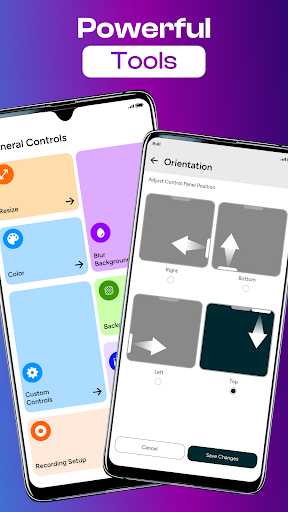
Intuitive lock screen orientation and Bluetooth management
Stylish widgets for home screen decoration
Enhanced accessibility for smooth user interaction
More Information
Control Panel Plus - Center is a versatile personalization mobile app designed to enhance your device's user experience. Available for both Android and iOS platforms, this app functions as a launcher app that simplifies customization and provides quick access to essential features. Its intuitive interface and robust app features make it a valuable app-based solution for users seeking a more personalized and streamlined device experience.
👍 Pros
- Intuitive User InterfaceThe app offers a clean and user-friendly layout that simplifies navigation for all users.
- Highly Customizable SettingsUsers can tailor control options and preferences to suit their specific needs.
- Wide Range of Device CompatibilitySupports various hardware components, enhancing overall flexibility.
- Real-Time Monitoring FeaturesProvides instant updates on system performance and control statuses.
- Regular Updates and SupportThe developer frequently releases updates to fix bugs and add features, ensuring stability.
👎 Cons
- Limited Free FeaturesMany advanced options are locked behind a premium version; a workaround is to try the free trial period.
- Occasional App CrashesSome users experience crashes during intensive tasks; updates are expected to improve stability.
- Learning Curve for BeginnersAdvanced customization options may be overwhelming for new users; official tutorials are available for assistance.
- Slow Response Time on Older DevicesPerformance may lag on older smartphones which can be mitigated by closing background apps.
- Limited Language SupportCurrently available in only a few languages; future versions may expand localization based on feedback.
Download Control Panel Plus - Center
You are going to be redirected to the official website to finish the download when you click these buttons above.







