
EasyClean - File Cleaner
Delta Tools Dev
Preview
Overview
Core Features
- Advanced file cleaning capabilities that remove unnecessary files and free up storage space quickly and efficiently.
- Customizable scan options allowing users to target specific file types such as cache, duplicate files, or large documents.
- Real-time monitoring of storage, providing instant alerts and automatic cleanup suggestions for better device management.
- User-friendly interface designed for quick navigation, making it easy for both beginners and experienced users to operate the app features.
- Compatibility with various Android devices, ensuring seamless app experience regardless of device brand or model.
- Secure data handling with trustable privacy policies, giving users confidence in the app based solution for their file management needs.
- Integration with launcher apps, facilitating faster access to essential cleanup functions directly from your home screen.
Who This App Is For
This mobile app is ideal for Android users who want an efficient file cleaner to manage storage and boost device performance. It's perfect for anyone from tech-savvy users to everyday individuals looking for simple file cleanup solutions.
Whether you need to free up space before a big backup or want to keep your device running smoothly during daily use, this app-based solution provides the tools you need for a better app experience. It's especially useful for those who prefer a launcher app for quick access to essential features.
Why Choose This App
This Android app offers comprehensive app features focused on reliable file cleanup and storage management, standing out with its user-friendly design and real-time notifications.
It effectively solves common storage issues, providing a trustworthy app experience that helps maintain device speed and efficiency. Its intuitive interface and the ability to work seamlessly as a launcher app make it a top choice among file cleaner apps based solution options.
Features
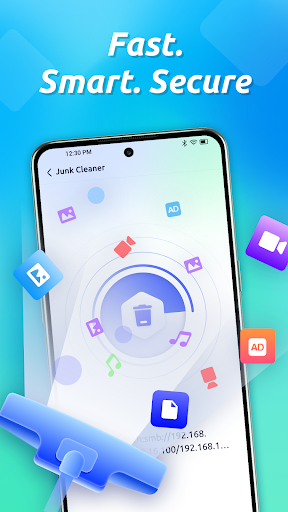
Simplifies device cleanup and storage management
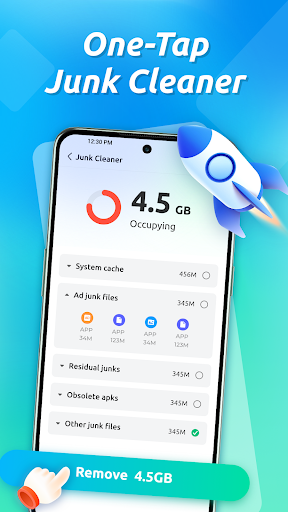
Fast and reliable junk removal solution
Easily deletes cache, residual, and junk files
Boosts device speed and frees storage space
Organizes files intuitively and efficiently
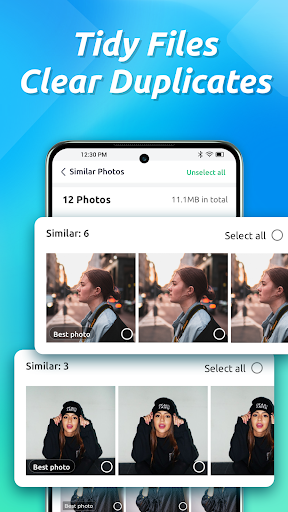
Identifies and removes duplicate photos easily
Sorts APKs and downloads automatically
Keeps file management simple and quick
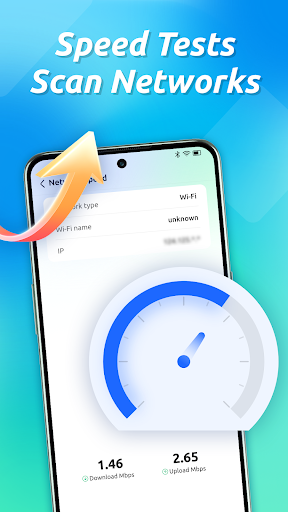
Provides real-time network insights and diagnostics
Monitors data usage and Wi-Fi information
Runs quick internet speed tests effortlessly
Optimizes connection for smoother browsing
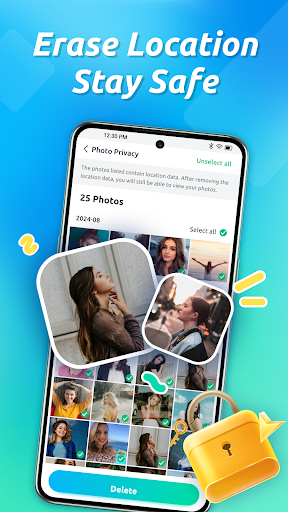
Secures personal data and preserves privacy
Erases location tags from photos automatically
Protects sensitive information when sharing images
Ensures your private data remains safe
More Information
EasyClean - File Cleaner is a user-friendly mobile app designed to help Android users optimize their device storage effortlessly. This app features powerful cleaning tools that remove junk files, cache, and unnecessary data, enhancing overall app experience and device performance. Crafted as a practical app based solution, it ensures your smartphone runs smoothly and efficiently.
👍 Pros
- User-friendly interfaceEasy to navigate even for beginners, with clear options and simple layout.
- Effective duplicate file detectionQuickly identifies and removes duplicate files, saving storage space.
- Comprehensive cleaning toolsSupports clearing cache, junk files, and residual data across multiple apps.
- Fast scanning speedRapidly scans device storage, reducing wait times during cleaning.
- Lightweight applicationOperates smoothly without consuming excessive system resources.
👎 Cons
- Limited customization optionsUsers cannot customize cleaning criteria extensively; feedback suggests adding filters for specific file types.
- Occasional false positives during cleanupSometimes flags important files as junk; using the review feature before deletion can mitigate this.
- Lack of scheduled cleaning featureCurrently, the app doesn't support automatic scheduled cleaning; this might require manual triggering.
- Ads within the free versionDisplays ads which may interrupt the cleaning process; purchasing premium removes ads.
- Limited support for external SD cardsScanning and cleaning external storage may be inconsistent; future updates are expected to improve this.
Download EasyClean - File Cleaner
You are going to be redirected to the official website to finish the download when you click these buttons above.







