inCarDoc Pro | OBD2
PNN SOFT
Preview
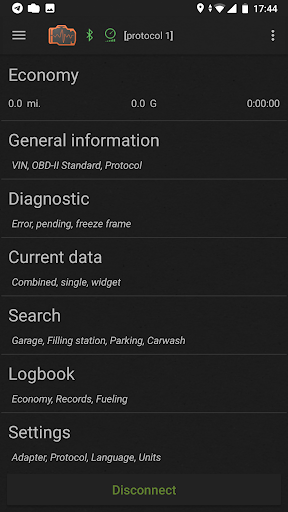
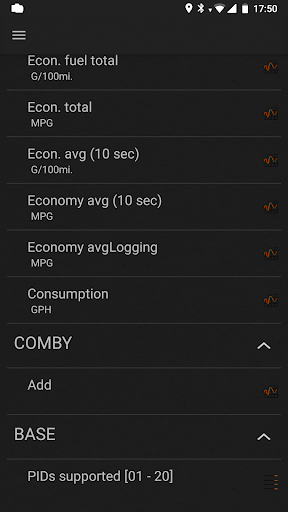
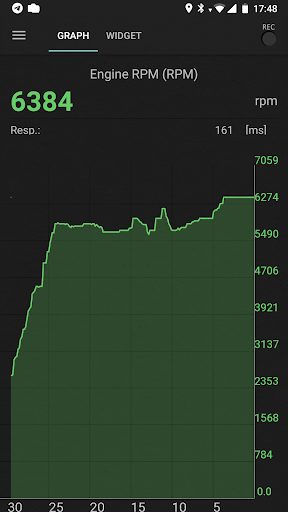
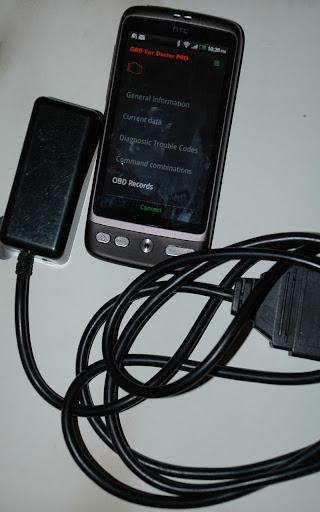
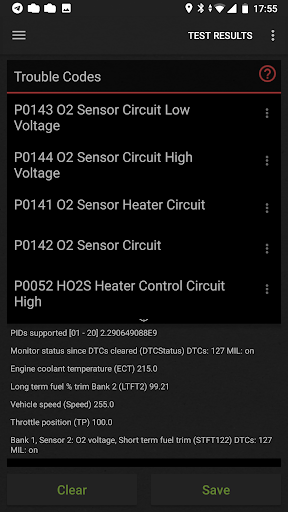
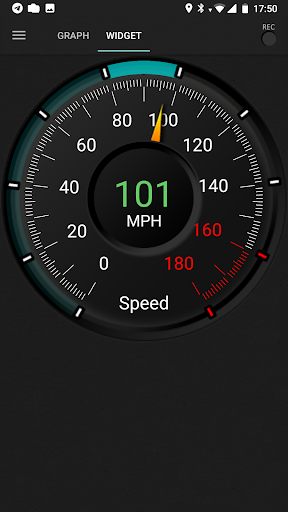
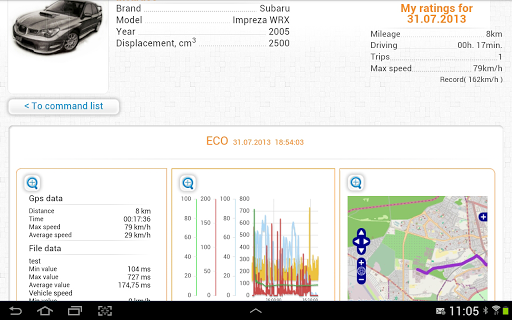
Overview
Core Features
- Comprehensive diagnostics with real-time engine data updates, helping users identify issues quickly.
- Supports Bluetooth and Wi-Fi connections for seamless integration with various vehicle models.
- App features include detailed fault code explanations, making it easier for users to understand problems.
- Provides live sensor data such as speed, RPM, and temperature, enhancing the app experience during roadside checks.
- Offline mode allows users to review diagnostic reports without an internet connection.
- Includes a vehicle health report generator that tracks performance over time for an app-based solution.
- User-friendly interface designed for both beginners and experienced car enthusiasts.
Who This App Is For
This mobile app is ideal for vehicle owners, DIY enthusiasts, and auto technicians who want to monitor and maintain their cars effectively.
Whether you're troubleshooting a check engine light or performing regular maintenance, this app-based solution offers valuable app features tailored for Android app users seeking reliable car diagnostics.
Why Choose This App
This app provides a trustworthy and user-focused app experience with advanced app features that simplify vehicle diagnostics.
Its compatibility across devices and straightforward interface make it a top choice for anyone looking for a comprehensive auto & vehicles app on Android, standing out with its reliability and detailed insights.
Features
Level 1: User-Friendly Car Diagnostics App
Level 2: Comprehensive Vehicle Health Monitoring and Easy Troubleshooting
Level 3:
- Connects seamlessly with vehicle sensors for real-time data
- Reads and clears engine fault codes quickly
- Tracks fuel consumption and trip details effectively
- Visualizes performance data with charts and gauges
Level 4:
- Allows detailed maintenance and fueling logs
- Uploads diagnostic reports for professional support
More Information
The inCarDoc Pro | OBD2 is a reliable mobile app designed for vehicle diagnostics and maintenance. Compatible with Android devices, this app provides detailed car data and real-time insights, making it an essential tool for car owners and mechanics alike. Its user-friendly interface ensures a smooth app experience, delivering comprehensive information through an intuitive app-based solution for vehicle troubleshooting and monitoring.
👍 Pros
- Comprehensive vehicle diagnosticsEnables detailed analysis of engine health, fault codes, and real-time data for better maintenance.
- User-friendly interfaceIntuitive design makes it easy for both amateurs and professionals to navigate and interpret data.
- Wireless Bluetooth connectionSupports quick and stable connectivity with OBD2 devices for seamless data transfer.
- Instant fault code reading and clearingAllows quick diagnosis and resets of check engine lights, saving time and effort.
- Additional features like trip logging and vehicle metricsProvides users with detailed insights into driving behavior and vehicle performance over time.
👎 Cons
- Limited compatibility with some older vehicle modelsMay not connect properly with vehicles manufactured before 2010, requiring alternate solutions.
- Requires a consistent Bluetooth connectionDisruptions can occur if Bluetooth connection drops during use; users might need to re-pair devices.
- In-app advertisements may affect user experienceFree version contains ads which might distract; upgrading to premium can remove ads.
- Limited customization options for diagnostic reportsUsers seeking advanced report configuration might find the options somewhat basic.
- Occasional lag in data updates on older smartphonesPerformance could be slower on devices with lower specifications; using a newer device can improve experience.
Download inCarDoc Pro | OBD2
You are going to be redirected to the official website to finish the download when you click these buttons above.







