Librera PRO - Book reader
Librera
Preview
Overview
Core Features
- Supports a wide range of document formats including PDF, EPUB, MOBI, and DJVU for versatile reading options.
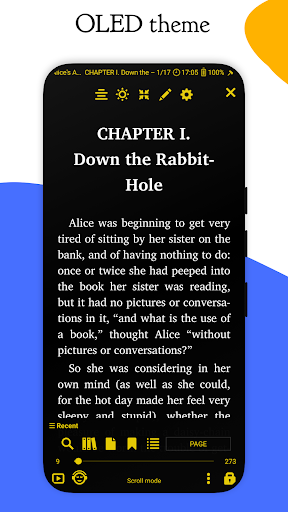
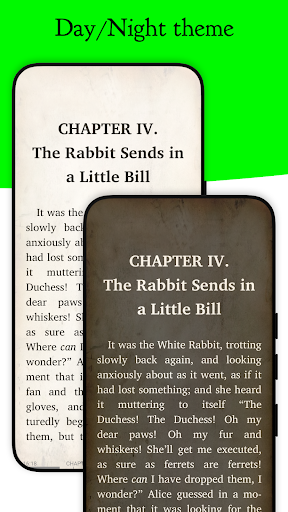
- Offers customizable app features like adjustable fonts, themes, and background colors to enhance reading comfort.
- Includes an offline mode that allows users to access their library without an internet connection, ideal for on-the-go reading.
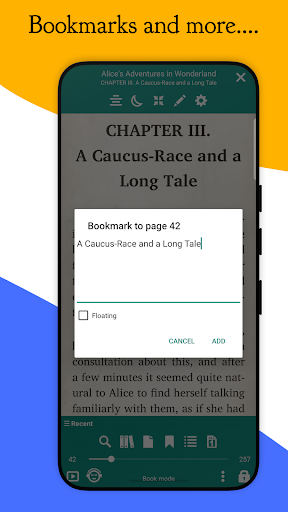
- Features a built-in annotation tool enabling users to highlight, note, and bookmark important sections for easy reference.
- Provides real-time syncing and cloud backup options to keep your library up-to-date across devices.
- Designed as a launcher app with an intuitive interface that simplifies navigation and improves app experience.
- Supports adjustable page layouts and multi-language support to cater to a global user base.
Who This App Is For
This mobile app is perfect for avid readers, students, and professionals looking for a reliable Android app to manage and read digital books effortlessly. It's especially useful for users who prefer a customizable and ad-free reading environment.
Whether you're commuting, studying, or relaxing at home, this app-based solution makes it easy to access your favorite books anytime. It suits anyone seeking a seamless app experience tailored to personal reading preferences on their Android device.
Why Choose This App
This Android app stands out by combining powerful app features with a user-friendly interface, making digital reading more enjoyable. Its versatile app experience caters to diverse reading needs and offers a highly customizable environment.
It provides an efficient app-based solution that solves common reading challenges like format incompatibility and limited offline access, ensuring that users get a reliable and enjoyable reading experience every time.
Features
Enhanced Reading Experience with Multiple Formats
Versatile Format Support for All Document Types
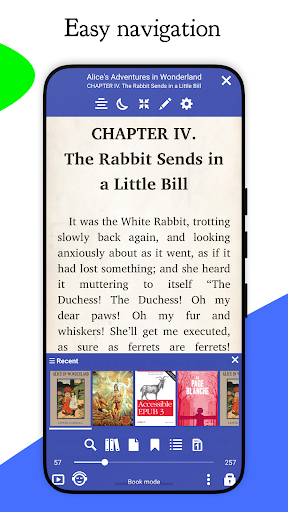
Easy Navigation and Custom Layout Options
User-Friendly Interface with Personalization Settings
Powerful Annotation and Bookmarking Tools
Advanced Reading Modes for Comfort
Quick Search and Easy Content Discovery
Online Integration for Fresh and Varied Content
Seamless Device Synchronization
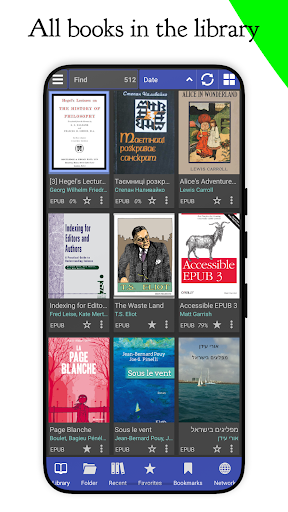
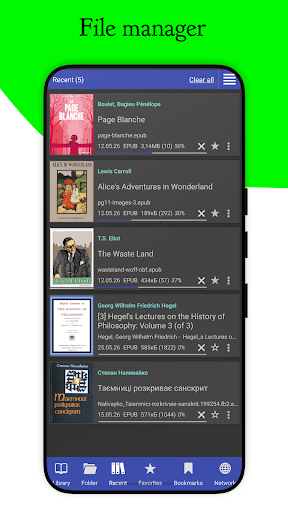
Organized Digital Library Management
Custom Styling and Text Sharing Features
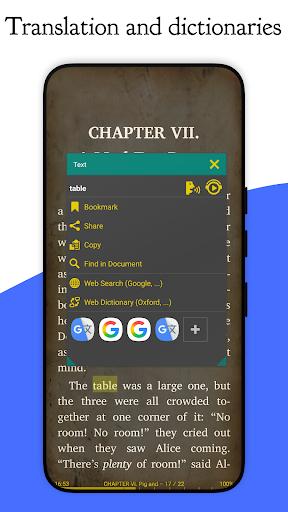
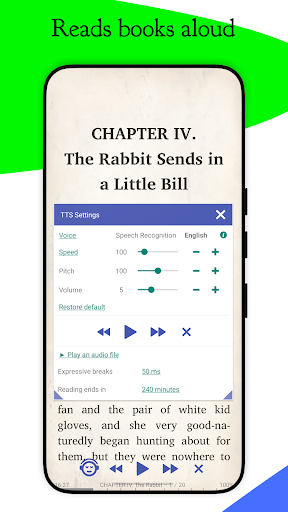
Accessible Text-to-Speech and Translation Options
More Information
Librera PRO is a versatile Android app designed for book lovers and readers seeking a seamless reading experience. As a leading mobile app in the Books & Reference category, it offers a wide range of features to organize, view, and manage various digital book formats. With its user-friendly interface and extensive functionality, Librera PRO provides an enjoyable app experience that caters to both casual readers and avid bibliophiles alike.
👍 Pros
- Intuitive user interfaceLibrera PRO offers a clean and easy-to-navigate layout, enhancing reading comfort.
- Extensive format supportSupports a wide range of formats like EPUB, PDF, MOBI, and more, ensuring compatibility with various e-books.
- Customizable reading experienceAllows extensive customization of fonts, themes, night mode, and margins for personalized reading.
- Advanced library managementProvides effective tools for organizing books into folders, tags, and collections.
- Offline and cloud synchronizationEnables access to your library offline and syncs with cloud services for backup.
👎 Cons
- Limited annotation featuresAnnotation tools are basic; users may need external apps for detailed notes. (Temporary workaround: use third-party annotation apps until updates improve this feature.)
- Occasional app stability issuesSome users report crashes during large PDF file processing, which may disrupt reading. (Offline re-install or updates are recommended for mitigation.)
- Inconsistent page rendering speedLoading complex formats like comics or large PDFs can be slow. (Optimizations are expected in future updates.)
- Lack of multi-language support for certain UI elementsUI may not fully support non-Latin scripts in all menus; however, core reading functions remain unaffected. (Future releases are likely to improve language support.)
- Limited to basic syncing features in free versionAdvanced sync options require a premium plan; users might need to upgrade for full cloud sync capabilities. (Official updates could expand free features.)
Download Librera PRO - Book reader
You are going to be redirected to the official website to finish the download when you click these buttons above.







