
Offline Maps - Route Planner
WE CENTER
Preview









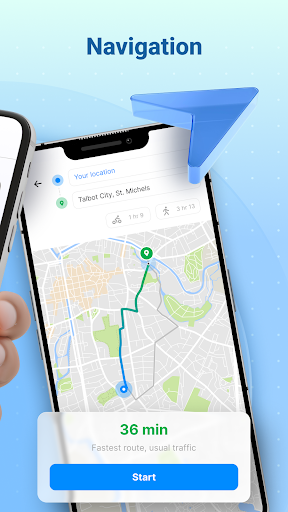
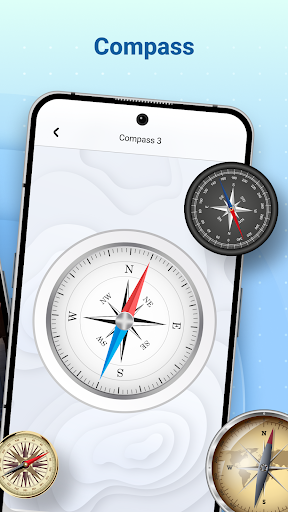
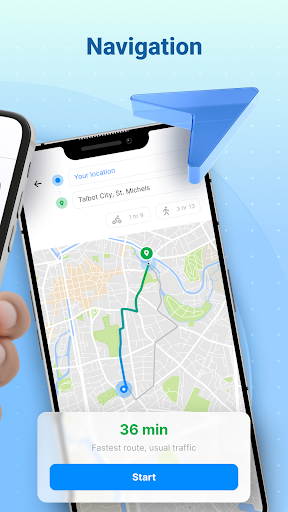
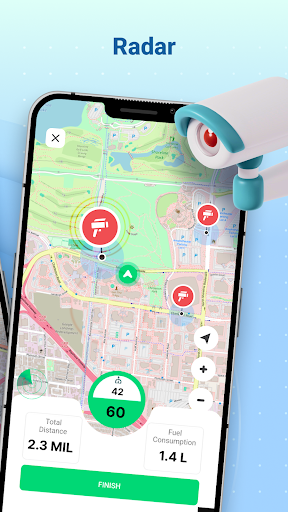


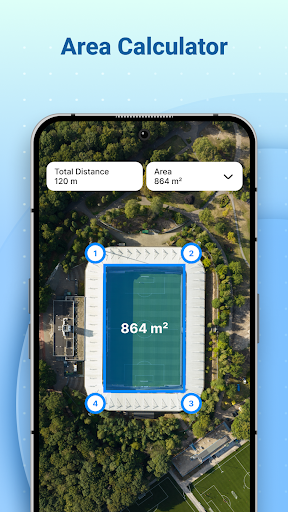
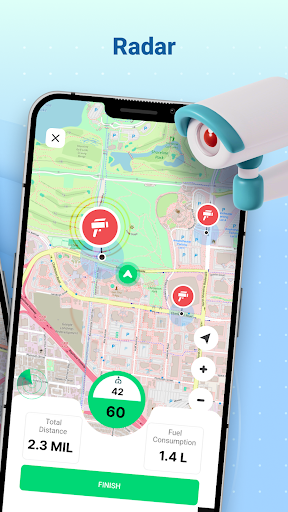
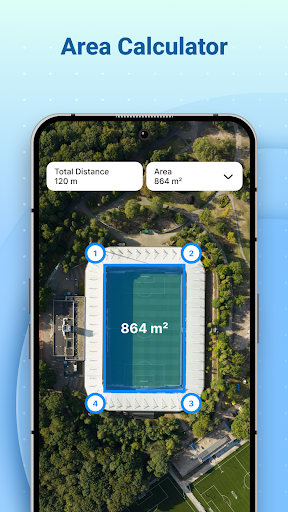

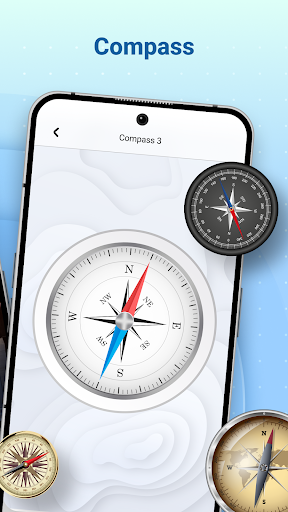
Overview
Core Features
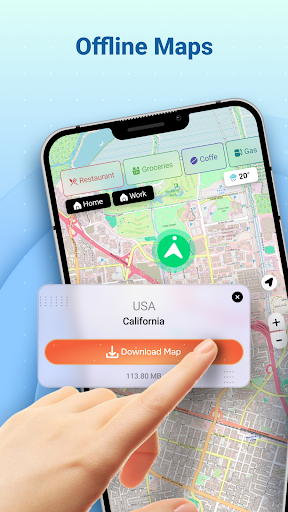
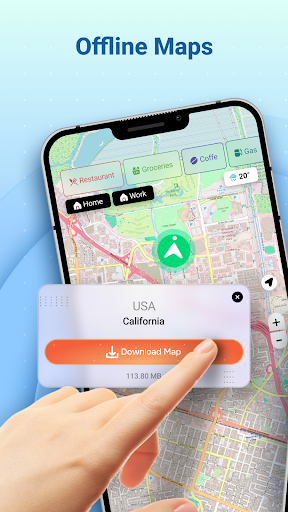
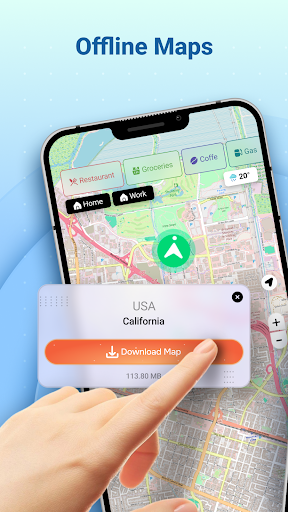
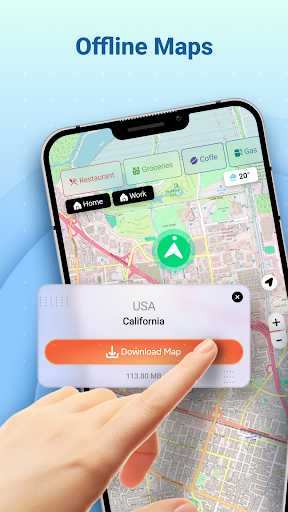
- Intuitive app features that allow users to download maps for offline use, ensuring navigation without internet access.
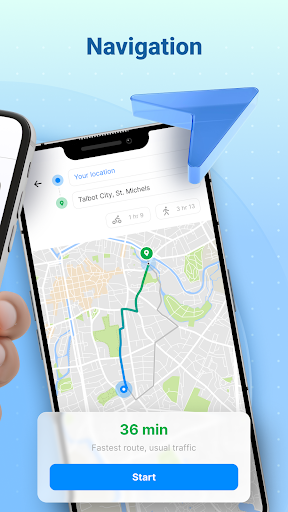
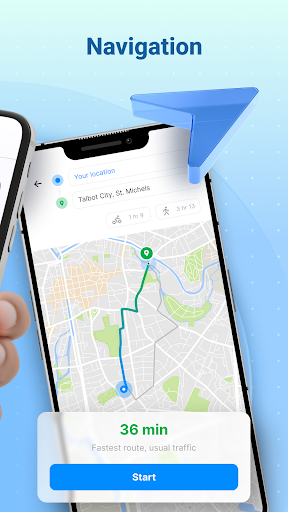
- Real-time route planning and turn-by-turn directions to help travelers find the best paths quickly and accurately.
- Offline mode capability provides seamless navigation even in areas with poor or no network coverage.
- Search functionality to locate cities, landmarks, and addresses effortlessly within the app experience.
- Expandable map layers and points of interest, enhancing usability for exploring new locations.
- Customizable routes and options to suit different travel preferences and modes of transportation.
- Battery-efficient design that minimizes power consumption during prolonged navigation sessions.
Who This App Is For
This app-based solution is ideal for travelers, commuters, and outdoor enthusiasts who rely on accurate navigation on their mobile devices. It benefits users who prefer a straightforward, offline navigation experience on Android devices.
Whether you're exploring unfamiliar cities, planning outdoor adventures, or need a dependable launcher app for daily commutes, this mobile app offers the reliable app experience you need for seamless route planning and navigation.
Why Choose This App
This Android app stands out with its comprehensive app features that focus on offline accessibility and user-friendly design. It offers a trusted navigation tool that helps reduce travel stress and improve route efficiency.
By providing essential navigation functions in one easy-to-use app-based solution, it addresses common issues like connectivity dependence and complex interfaces, making it a smarter choice for everyday use and travel planning.
Features
Offline Maps - Route Planner simplifies navigation on your trips
Reliable offline maps ensure steady navigation anywhere
Download detailed maps for remote areas
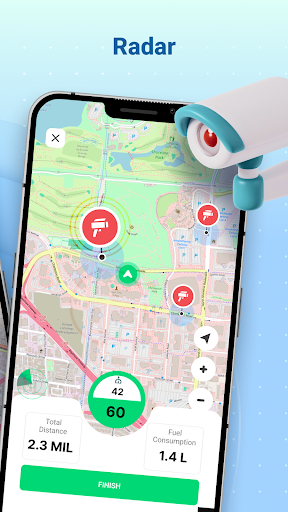
Stay safe with real-time speed monitoring
Get clear voice-guided directions instantly
Share your location with friends easily
Find nearby amenities for convenience
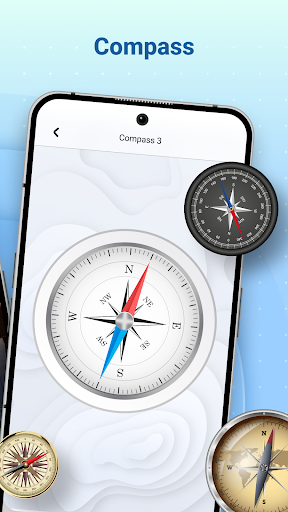
Use compass for outdoor orientation
More Information
Offline Maps - Route Planner is a versatile Android app designed to help users navigate without an internet connection. It offers detailed offline maps and route planning features, making it an essential tool for travelers and commuters who need reliable navigation on the go. The app provides a smooth and user-friendly experience, ensuring you can explore new places with confidence even when offline.
👍 Pros
- Intuitive route planning interfaceUsers can easily input destinations and customize routes with minimal effort.
- Offline map availabilityMaps and routes can be accessed without internet connection, ideal for remote areas.
- Detailed route options and alternative pathsProvides multiple routing choices, helping users select the fastest or shortest path.
- Simple and clear UI designThe app's layout allows for quick navigation and reduces user confusion.
- Regular updates with new features and mapsEnsures the app stays current and improves over time through official updates.
👎 Cons
- Limited real-time traffic informationReal-time traffic updates are not integrated, which can affect route accuracy during peak times.
- Occasional map loading delaysMaps may take a few seconds to load in certain locations, especially on older devices.
- Lack of voice-guided navigationNavigation guidance is visual only, which might be inconvenient while driving.
- Some map data may be outdated in remote areasIn less populated regions, map details might be less current, leading to minor inaccuracies.
- Limited customization options for route preferencesUsers cannot specify preferences like avoiding tolls or highways easily.
Download Offline Maps - Route Planner
You are going to be redirected to the official website to finish the download when you click these buttons above.







