
Picshiner - AI Photo Editor
AdoreApps Media
Preview










Overview
Core Features
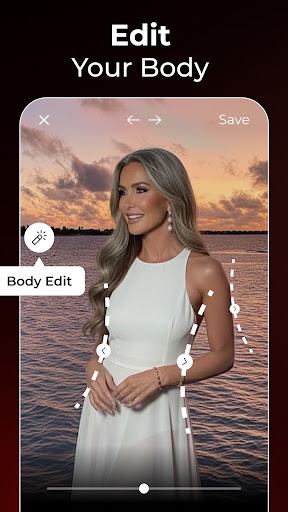
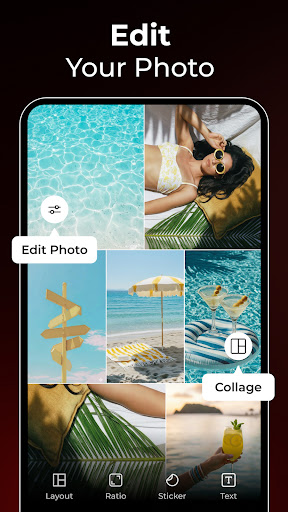
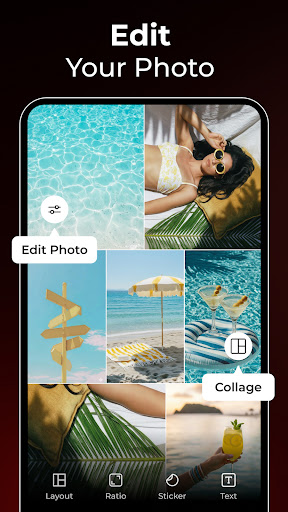
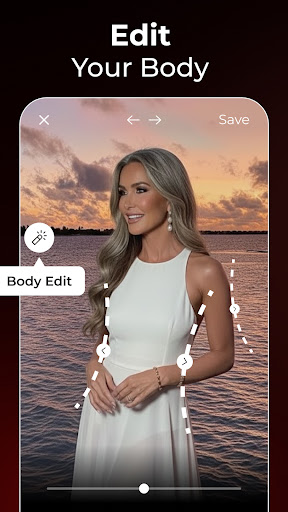
- The app features advanced AI-powered editing tools that simplify photo enhancements and creative adjustments.
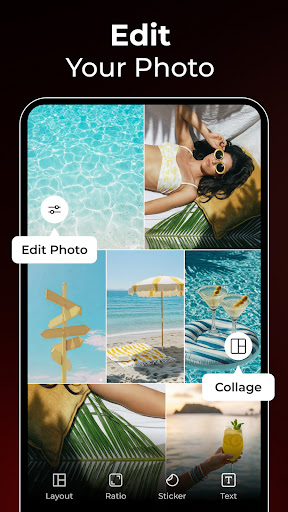
- Users can access a wide range of filters, effects, and editing options to customize their images effortlessly.
- The app includes a user-friendly interface optimized for quick photo edits on mobile devices and Android apps alike.
- Real-time preview and instant auto-correct functionalities ensure an efficient app experience for beginners and pros.
- Offline mode allows users to edit photos anytime without needing an internet connection, enhancing usability.
- Built-in tools support various art and design styles, making it a versatile launcher app for creative projects.
- Secure app design maintains user privacy and data security, fostering trustworthiness among users.
Who This App Is For
This mobile app is ideal for creative individuals aged 15 and above who want easy-to-use photo editing solutions. Whether you're a hobbyist or a professional, this Android app suits your artistic needs.
It's perfect for anyone looking for an app-based solution to enhance personal photos, create social media content, or experiment with digital art on the go.
Why Choose This App
This app offers a seamless app experience with powerful AI features that stand out among other editing tools. Its intuitive design makes professional-quality edits accessible to everyone.
By combining robust app features with a trustworthy and secure platform, Picshiner provides a reliable Android app option for those seeking a versatile photo editor and launcher app integrated into their daily routine.
Features
1. Intuitive AI-powered editing for creative expression
2. Seamless face and video transformations for engaging content
3. Easy photo and video face swap for fun projects
4. Personalized AI avatar creation for standout profiles
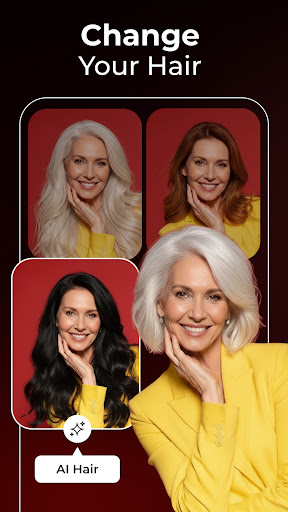
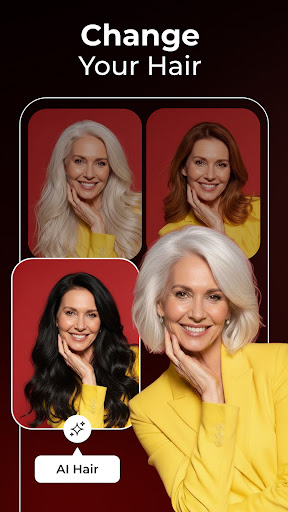
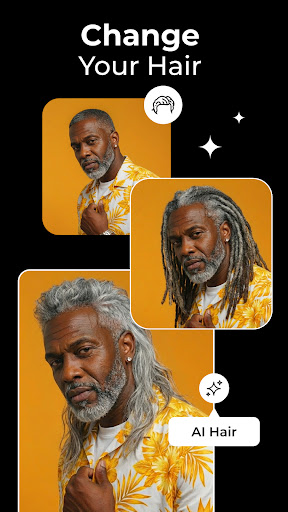
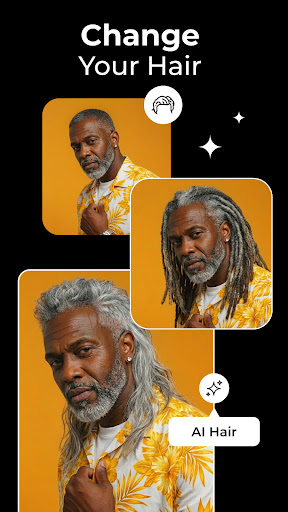
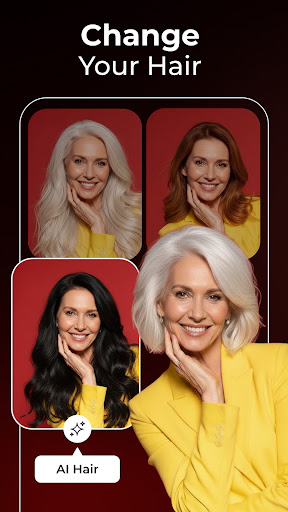
5. Virtual hairstyle and hair color experiments for style updates
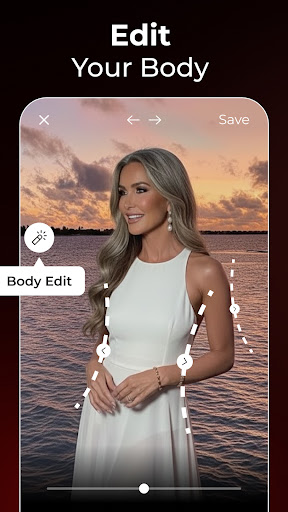
6. Natural look virtual makeup and beauty enhancements
7. Fun future baby simulation for memorable insights
8. Quick tools for artistic and social media sharing
More Information
Picshiner - AI Photo Editor is a versatile mobile app designed for enhancing and editing your photos with artificial intelligence. As an Android app focused on art and design, it offers users a seamless app experience by providing a wide range of creative tools and features to transform images easily. Whether you're editing for personal projects or professional purposes, Picshiner serves as an intuitive app-based solution for all your photo editing needs.
👍 Pros
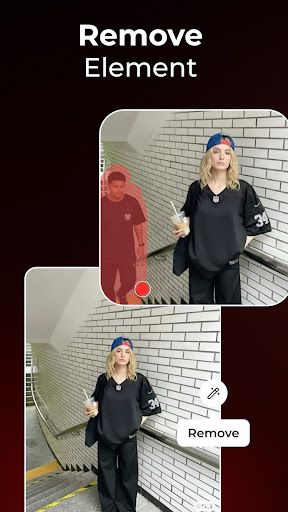
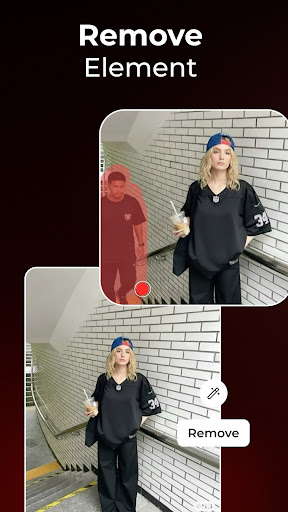
- Intuitive AI-powered editing toolsAllows users to easily enhance photos with features like background removal and face smoothing, saving time and effort.
- High-quality automatic photo enhancementsGenerates professional-looking edits with minimal user input, suitable for social media content.
- Broad variety of filters and effectsOffers numerous creative options to personalize images and boost visual appeal.
- User-friendly interfaceSimple navigation makes it accessible for both beginners and experienced editors.
- Fast processing speedQuickly applies edits and enhancements, improving user experience especially with high-resolution images.
👎 Cons
- Limited free featuresMany advanced editing tools are locked behind a subscription; users may need to pay for full access.
- Occasional misclassification in AI editsAI might incorrectly detect boundaries or objects, sometimes requiring manual corrections.
- High-resolution export restrictionsFree version might limit output resolution, which could affect professional use; official updates may lift restrictions over time.
- Limited batch processing capabilitiesHandling multiple images at once can be slow or less efficient, but future updates may enhance this feature.
- Occasional app crashes under heavy useSome users experience stability issues, which the developers are likely to address in upcoming updates.
Download Picshiner - AI Photo Editor
You are going to be redirected to the official website to finish the download when you click these buttons above.







