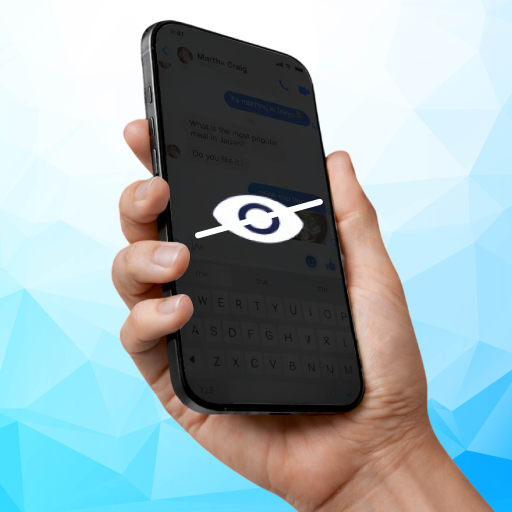
Privacy Display: Screen Filter
Medusa Lab
Preview
Overview
Core Features
- The app features an easy-to-use screen filter that blocks harmful blue light to reduce eye strain during long usage sessions.
- With real-time display adjustments, users can customize the screen overlay to suit different lighting conditions and preferences.
- The app offers a privacy display mode, allowing users to hide sensitive information when sharing their screen in public or in meetings.
- Includes a convenient launcher app that quickly switches between filter modes, enhancing overall app experience and accessibility.
- The app features adjustable transparency levels, enabling users to set the perfect balance between visibility and protection.
- Supports scheduling to automatically activate the screen filter at specific times, helping maintain healthy device habits effortlessly.
Who This App Is For
This mobile app is ideal for individuals who spend extended hours on their Android devices and want to protect their eyes from digital strain. It's perfect for students, professionals, and anyone concerned about screen health.
Whether you're working on sensitive information or browsing in public, this app-based solution helps enhance your app experience by providing privacy and comfort features that adapt to your daily routine.
Why Choose This App
This Android app stands out by combining effective screen filtering with a seamless user experience, making eye protection effortless. Its customizable features and privacy options offer real value for users seeking a trustworthy launcher app.
Designed with user needs in mind, this app offers a reliable, innovative app features set that solves common display issues, setting it apart from similar solutions on the market. It's a smart choice for comprehensive screen management and health consciousness.
Features
Simple Privacy Protection for Your Phone Screen
Fast, Intuitive Privacy Activation Methods
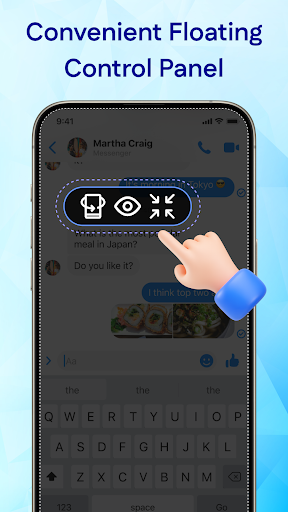
• Floating Control Panel for Easy Access
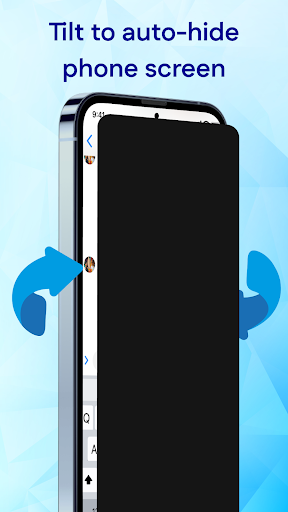
• Tilt Mode for Quick Privacy Hiding
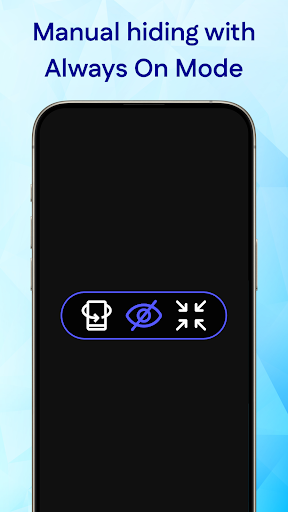
• Always On Mode for Continuous Safety
Discreet Privacy Layer Activation by Tipping
Customizable Privacy Settings for Personal Needs
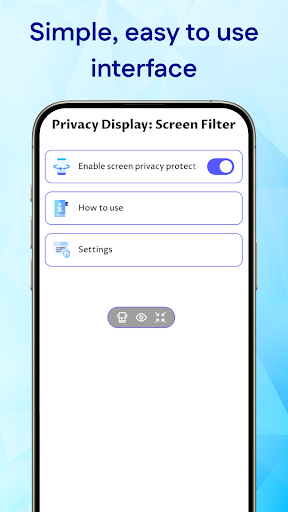
Accessible Controls Without Leaving Current App
Protection in Public and Crowded Spaces
Enhanced Privacy for Sensitive Information
More Information
Privacy Display: Screen Filter is a user-friendly Android app designed to enhance your device's screen privacy by applying customizable filters and filters. This app offers an intuitive experience, allowing users to easily adjust screen visibility to protect sensitive information in public or crowded settings. With its straightforward features, it provides a practical app-based solution for maintaining privacy on your mobile device.
👍 Pros
- Enhanced PrivacyThe app effectively blurs sensitive information on your screen, protecting your privacy in public places.
- Easy to UseUser-friendly interface that allows quick activation and customization of screen filters.
- Customizable Filter LevelsOffers multiple privacy filter intensities to suit different privacy needs and environments.
- Low Power ConsumptionDesigned to run efficiently without significantly impacting device battery life.
- Wide CompatibilityWorks smoothly across various Android and iOS devices without major issues.
👎 Cons
- Limited Customization OptionsAdvanced users may find customization features somewhat basic but can expect future updates with more settings.
- Potential Performance Impact on Older DevicesOn older smartphones, the app might cause slight lag, but closing background apps can mitigate this.
- Occasional Screen GlitchesSome users might experience brief glitches when activating filters, expected to improve with app updates.
- Filter Effectiveness Varies by ContentCertain complex backgrounds or videos might not be fully obscured, but adjusting filter strength can help.
- In-App AdvertisingFree version includes ads that might interrupt usage; a premium version could remove ads in the future.
Download Privacy Display: Screen Filter
You are going to be redirected to the official website to finish the download when you click these buttons above.







