
Pulsar Music Player Pro
Rhythm Software
Preview
Overview
Core Features
- Intuitive playlist management allowing users to create, edit, and organize songs effortlessly.
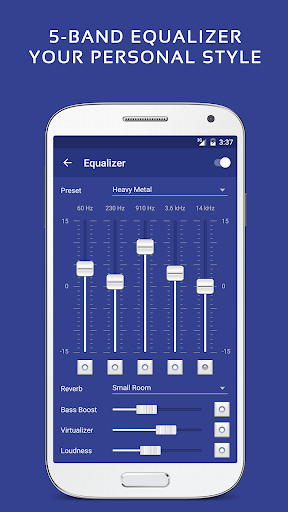
- Advanced equalizer with multiple presets to customize sound quality per user preferences.
- Sleep timer feature helps users set music to turn off automatically, ideal for bedtime listening.
- Offline mode enables listening to downloaded music without internet access.
- Lightweight Android app that runs smoothly on various devices, enhancing app experience.
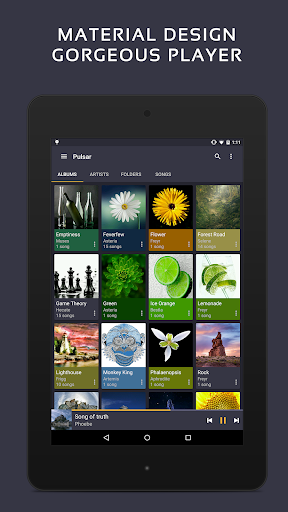
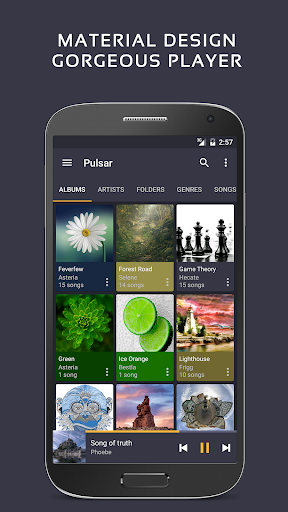
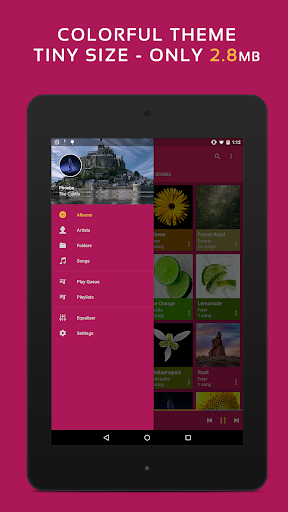
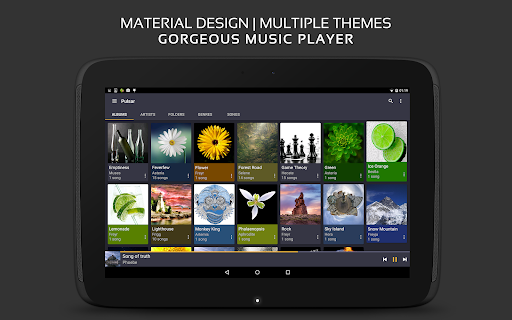
- Material design interface offers a sleek, user-friendly launcher app experience.
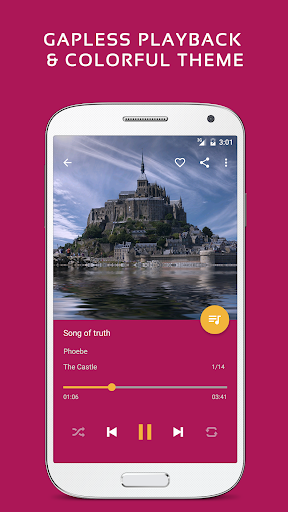
- Customizable themes and layouts to match personal style and improve app features usability.
- Support for numerous audio formats ensures compatibility with most music files.
Who This App Is For
This mobile app is perfect for music enthusiasts of all ages who want a reliable, feature-rich music player for Android devices.
It's especially suitable for users seeking an app-based solution to manage their music library offline, or those wanting an intuitive launcher app with advanced app features for a superior app experience.
Why Choose This App
This Android app offers a seamless music listening experience with robust app features, making it a top choice among music and audio apps.
Its combination of user-friendly design, extensive customization options, and reliable performance sets it apart from other apps in the crowded music player market, providing real value and trustworthiness for users seeking quality entertainment on their devices.
Features
Elegant, ad-free offline music player for Android
Unmatched visual design and smooth animations
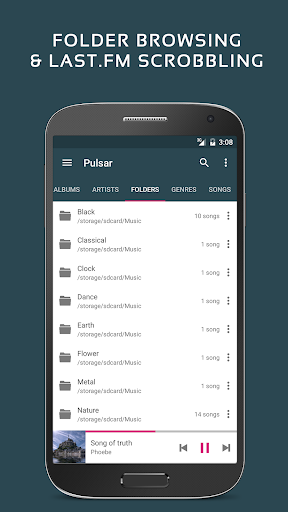
Intuitive music library management and playlists
Seamless playback with customization options
Fast song search and versatile control features
Personalized sound adjustments and sleep timer
Premium themes and advanced equalizer controls
Supporting various music formats and library updates
More Information
Pulsar Music Player Pro is a highly-rated Android app designed for music lovers who want a seamless listening experience. This mobile app offers a sleek and intuitive interface, making it easy to browse and play your favorite songs. With its comprehensive app features, Pulsar provides advanced playback controls, customizable themes, and support for various audio formats, ensuring an enjoyable and immersive app experience for all users.
👍 Pros
- Intuitive User InterfaceThe app offers a clean and easy-to-navigate design, enhancing user experience.
- High-Quality Audio SupportSupports various formats including FLAC and MP3, ensuring excellent sound quality.
- Customizable Themes and SkinsUsers can personalize the appearance to suit their preferences.
- Advanced Playlist ManagementOffers features like smart playlists and drag-and-drop organization for better music curation.
- Built-in Equalizer and Sound EffectsProvides extensive audio tuning options for audiophiles.
👎 Cons
- Limited Free FeaturesMany advanced options are locked behind a paywall, which may deter casual users.
- Occasional Lag in Large LibrariesLarge music collections can sometimes cause app slowdown; temporary solutions include rebuilding the library index.
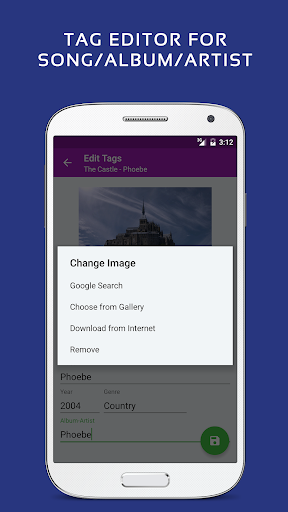
- Missing Lyrics and Artwork TaggingCurrent version lacks advanced tagging features; future updates might include improved metadata management.
- Limited Podcast SupportPodcast organization features are minimal; users can use separate apps until integrated.
- No Sync Across DevicesMusic library syncing isn't available; users can manually transfer files or wait for official cloud sync features in future updates.
Download Pulsar Music Player Pro
You are going to be redirected to the official website to finish the download when you click these buttons above.







