
Quick Clean Plus
StarOnline
Preview
Overview
Core Features
- Offers comprehensive app features including easy file cleaning and storage management for a smoother mobile experience.
- Includes real-time scan and quick cleanup options to improve device performance instantly on your Android app.
- Provides an ad-free experience, ensuring uninterrupted use and focus during cleaning and optimization tasks.
- Features a user-friendly interface designed for quick access, making maintenance simple even for beginners.
- Supports scheduled cleaning and notifications, helping users maintain their device health regularly.
- Offers offline mode for cleaning and management without requiring constant internet connection.
- Includes a launcher app feature to customize your device's home screen for quick access to cleaning tools.
Who This App Is For
This mobile app is ideal for smartphone users of all ages who want to keep their Android devices running smoothly. It's perfect for people looking for a reliable app-based solution to optimize and clean their phones effortlessly.
Whether you're a busy professional needing quick performance boosts or a casual user wanting to free up space, this app experience makes device maintenance straightforward and accessible, even for tech novices.
Why Choose This App
This Android app offers a trusted and efficient way to enhance device performance and security. Its robust app features address common user concerns, making it a standout launcher app choice among cleaning tools.
Designed with user experience in mind, it provides clear benefits like quick results and easy operation, solving common problems faced by mobile users and setting it apart from lesser alternatives.
Features
Quick Clean Plus: All-in-One Phone Maintenance Tool
Fastest cleaning with efficient storage management
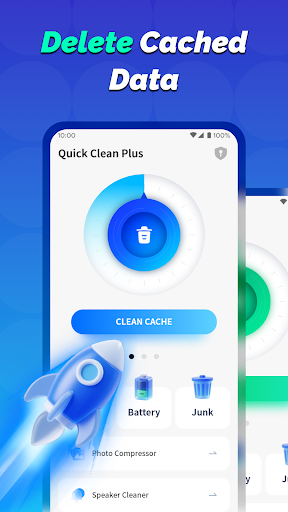
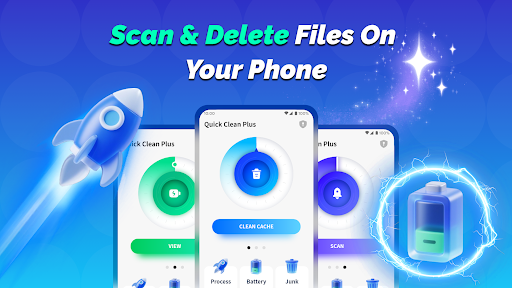
- Scan and delete junk files for smoother operation
- Close background apps to boost performance
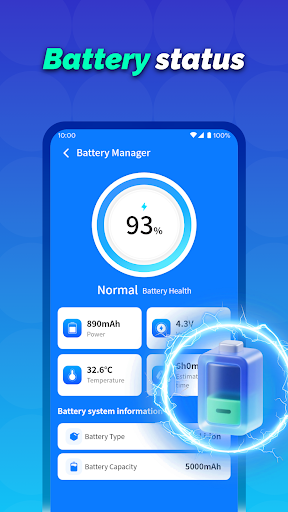
- View battery status to extend usage time
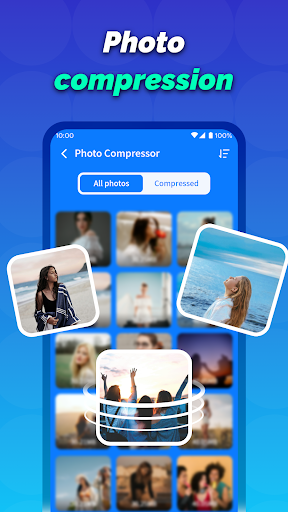
- Compress images to save storage space
- Clear notifications to reduce clutter
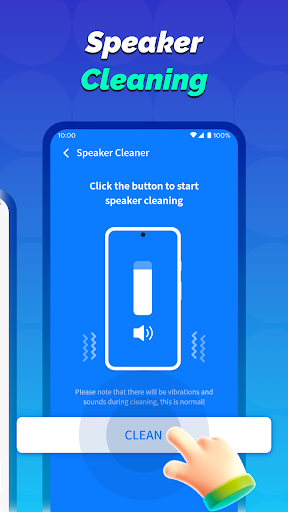
- Shake to clean dust from speaker
- Schedule automatic cleaning for convenience
- Monitor battery health for longevity
More Information
Quick Clean Plus is a reliable Android app designed to help users maintain their device's performance efficiently. This app features tools for cleaning junk files, managing storage, and boosting speed, providing a straightforward app experience for those seeking an easy-to-use launcher app that enhances daily device usability. Its intuitive interface and useful functionalities make it an essential addition to any mobile device.
👍 Pros
- Effective junk file cleanupQuick Clean Plus efficiently scans and removes unnecessary files, freeing up storage space.
- User-friendly interfaceThe app features an intuitive layout that makes navigation and cleaning simple for all users.
- Real-time scanning technologyIt provides real-time alerts and automatic background scans to keep devices optimized.
- Battery saving modeIncludes a function that extends battery life by managing background app activity.
- Lightweight app sizeThe app is small in size, ensuring minimal impact on device storage and performance.
👎 Cons
- Occasional false positivesSometimes deletes files that are actually important, but users can review the scan results before cleaning.
- Limited customization optionsUsers seeking advanced cleaning settings might find the options somewhat basic; future updates may add more features.
- Ads in free versionThe free version contains advertisements, which may disrupt user experience; upgrading removes ads.
- Scan speed variabilityScanning speed can vary on different devices; optimizing for slow or older devices could improve performance.
- Battery consumption during scansThe app's scanning process can slightly increase battery usage; running scans overnight or when plugged in is recommended.
Download Quick Clean Plus
You are going to be redirected to the official website to finish the download when you click these buttons above.







