Remote Control for Roku TV
SoulApps Studio
Preview
Overview
Core Features
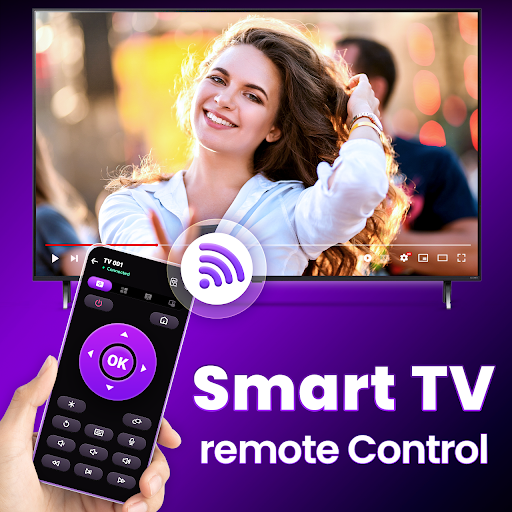
- The app features a comprehensive remote control interface that allows easy navigation of your Roku TV directly from your mobile device.
- Real-time sync ensures your commands are instantly reflected on the TV, providing a seamless app experience.
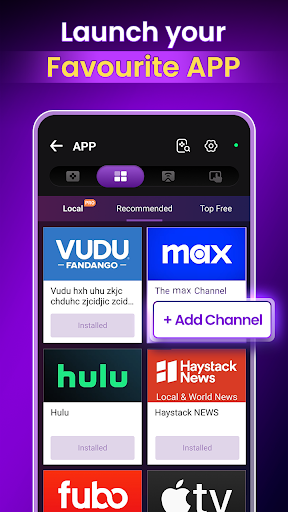
- Includes an easy-to-use launcher app designed to replace physical remotes, simplifying your entertainment setup.
- Supports multiple device pairing, enabling family members to control the same Roku TV with their smartphones.
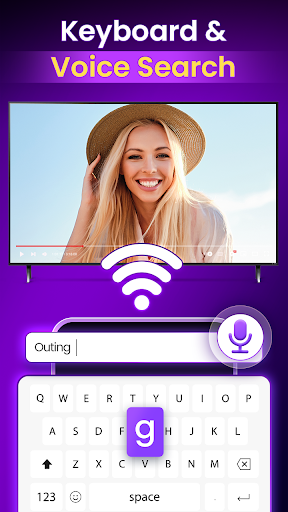
- Offers a search function within the app to quickly find content or control various app features effortlessly.
- Provides customizable buttons and shortcuts for frequently used functions, enhancing convenience and efficiency.
- Features handy playback controls, such as pause, rewind, and fast forward, making viewing more comfortable.
Who This App Is For
This mobile app is ideal for Roku TV owners who want a straightforward, reliable remote control solution. It's perfect for users who prefer managing their entertainment with their own devices rather than traditional remotes.
It's especially useful for busy individuals, tech-savvy users, or households seeking an app-based solution to streamline TV control and improve overall app experience in daily life.
Why Choose This App
This Android app offers an intuitive interface rich in app features that enhance user convenience. Its reliable app-based solution ensures quick setup and effortless control, standing out among similar launcher apps.
Designed to solve common remote issues, it delivers a trustworthy and efficient way to manage your Roku TV, making it a smart choice for anyone looking for a top-quality app experience.
Features
Enhanced Control Versatility for Seamless Viewing Experience
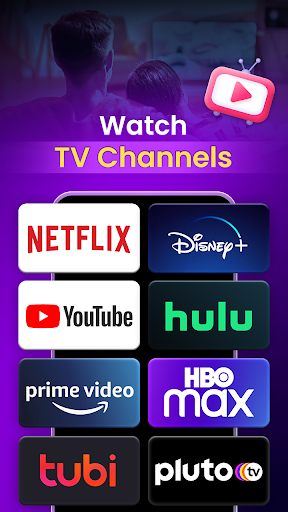
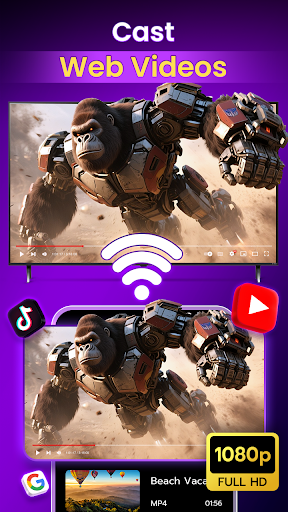
Universal Channel Access for Broader Content Choices
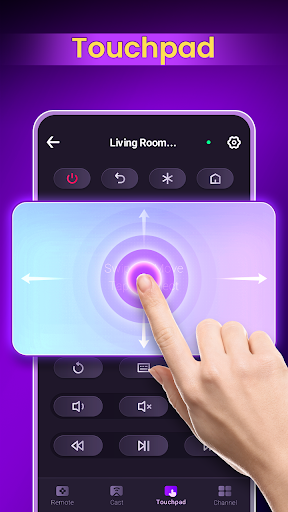
Intuitive Remote Interface for Easy Navigation
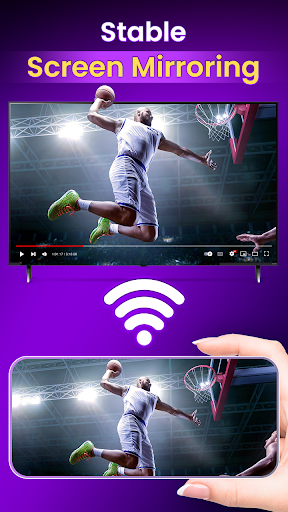
Flexible Connectivity Modes for Reliable Control
Precise Volume and Navigation Functions
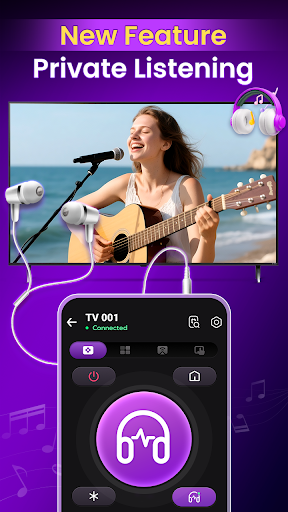
Private Listening for Distraction-Free Entertainment
Quick Setup and User-Friendly Design
Advanced Search and Voice Commands for Effortless Operation
More Information
Remote Control for Roku TV is a user-friendly mobile app designed to turn your smartphone into a convenient remote control for your Roku TV. It offers a seamless app experience by providing easy access to all key features needed to control your device effortlessly. As an app based solution, it enhances the way you interact with your entertainment system through your Android device or other compatible smartphones.
👍 Pros
- User-Friendly InterfaceThe app features an intuitive design that makes navigation straightforward for all users.
- Fast Response TimeRemote commands are executed quickly, reducing lag and enhancing user experience.
- Additional FeaturesIt offers useful functions like voice control and customizable button mappings.
- Broad Device CompatibilityWorks seamlessly with various Roku TV models and other devices.
- Remote Control CustomizationAllows users to personalize controls for easier access to frequently used functions.
👎 Cons
- Occasional Connectivity IssuesSometimes the app disconnects unexpectedly, but restarting the app or device often fixes the problem.
- Limited Support for Older DevicesSome older Roku TV models may have limited functionality or compatibility, but updates may improve this.
- Learning Curve for New UsersNew users might need some time to familiarize themselves with the app's features, yet tutorials are available online.
- Battery Drain on PhoneUsing the app extensively can drain phone batteries faster, so charging during use is recommended.
- Minor Lag in Response During High TrafficResponse times may slow down during peak usage hours, though official updates are expected to optimize performance.
Download Remote Control for Roku TV
You are going to be redirected to the official website to finish the download when you click these buttons above.







