Stop Motion Studio Pro
Cateater
Preview
Overview
Core Features
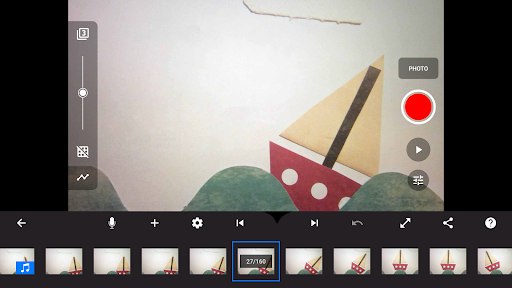
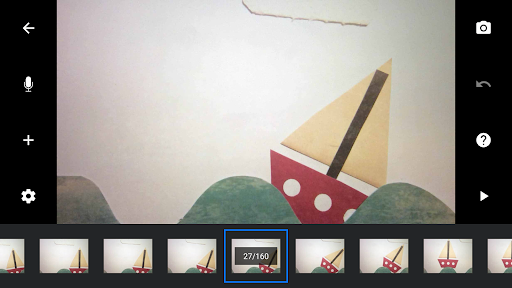
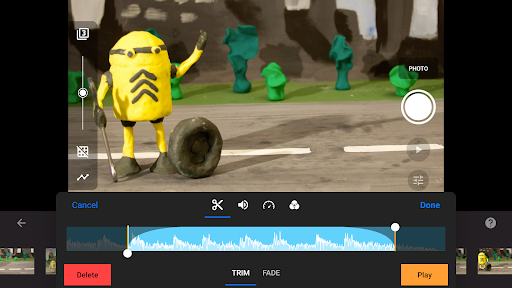
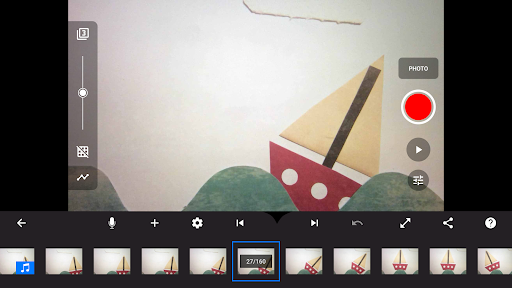
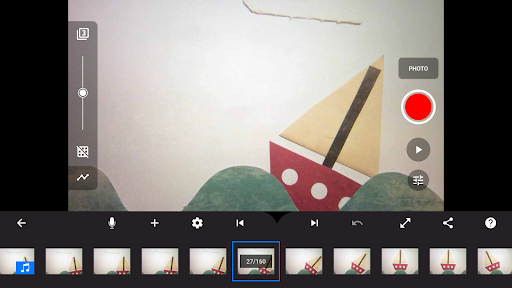
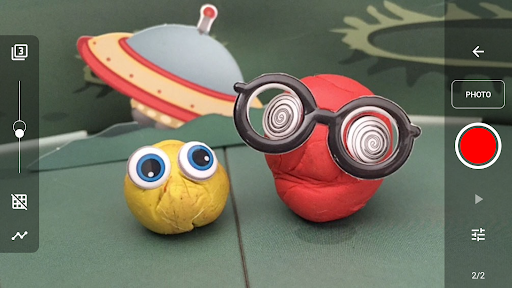
- Intuitive timeline interface that allows users to create seamless stop-motion animations with ease.
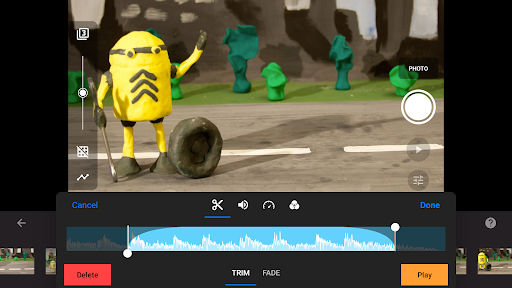
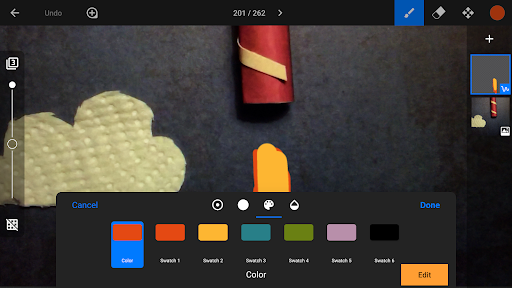
- Multiple app features include frame-by-frame editing, onion skinning, and time-lapse options for detailed control.
- The app supports high-resolution exports, ensuring professional-quality videos suitable for sharing or presentations.
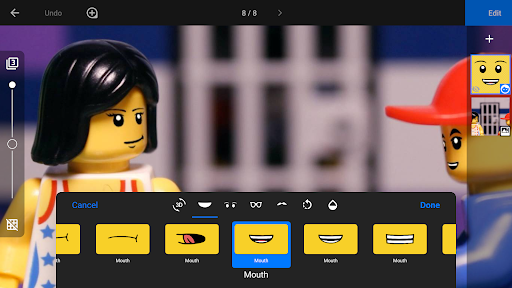
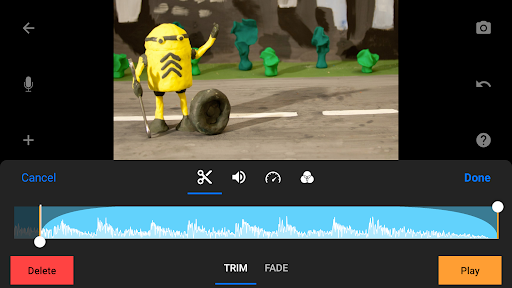
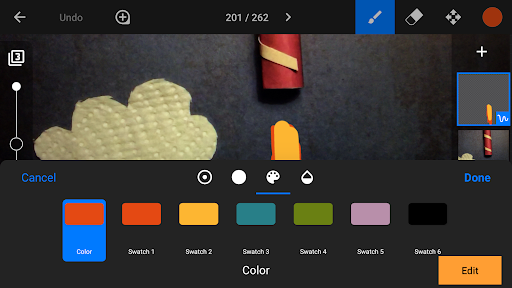
- Built-in editing tools and special effects help improve the app experience by enhancing creativity without external software.
- Offers offline mode, enabling users to work without internet, making it ideal as an app-based solution for on-the-go editing.
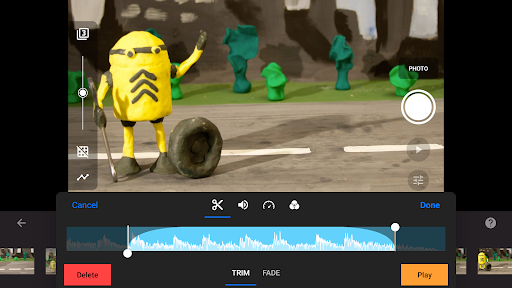
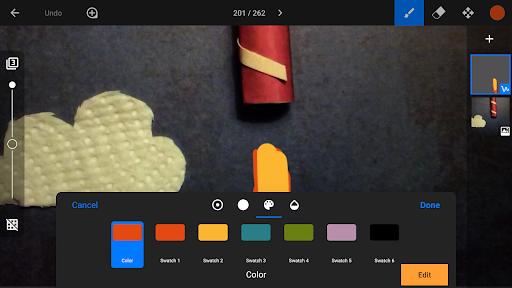
- Custom background options and sound insertion features improve the app features for diverse creative projects.
- Designed for both beginners and advanced users, providing a comprehensive app experience tailored to different skill levels.
Who This App Is For
This mobile app is perfect for aspiring filmmakers, educators, and content creators interested in stop motion animation. It appeals to users who want a straightforward yet powerful app experience for creative projects.
Whether you are a student working on a school project or a professional seeking a reliable launcher app for animation, this app-based solution is suited to a wide range of users looking to bring their ideas to life with ease and confidence.
Why Choose This App
This Android app stands out due to its user-friendly interface and rich app features that simplify the animation process. It delivers a smooth app experience, even for those new to stop motion.
By offering reliable tools and flexible editing options, it helps users turn their creative visions into reality efficiently. Its broad functionality and trustworthy performance make it a top choice among similar apps in the photography category.
Features
1. Easy-to-use interface for quick animation creation
2. Professional-level control for high-quality movies
3. Capture frames with adjustable timing settings
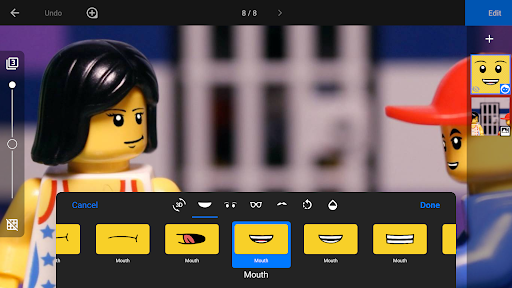
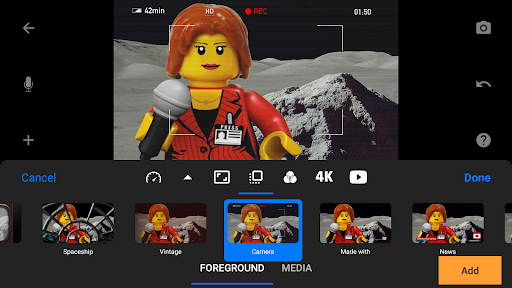
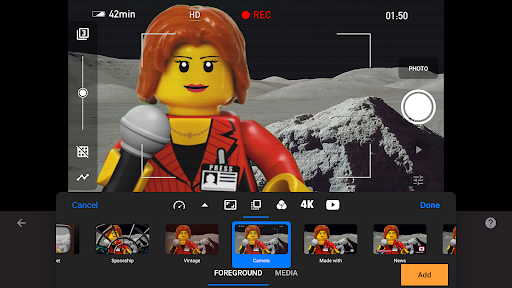
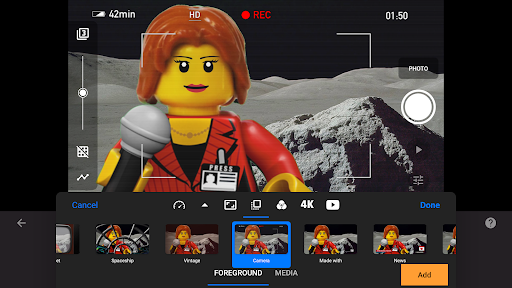
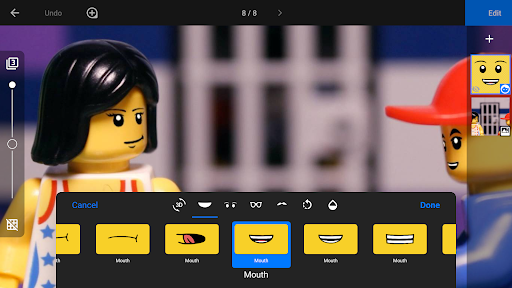
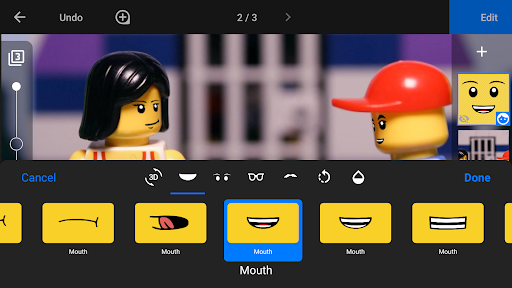
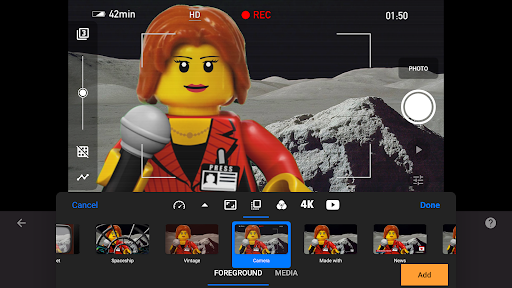
4. Add titles, speech bubbles, and special effects
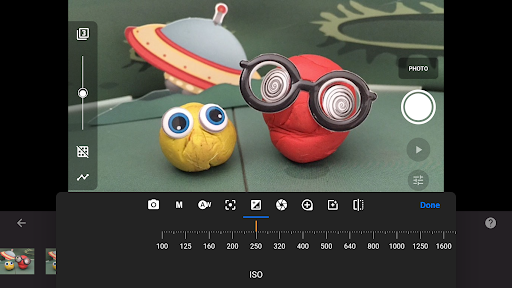
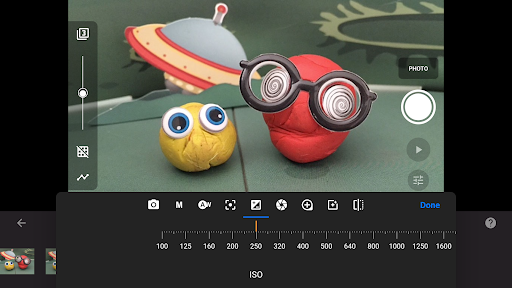
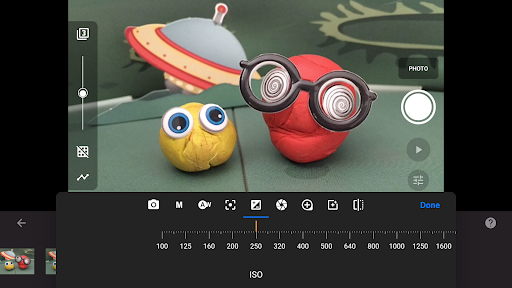
5. Customize camera settings for perfect shots
6. Import and edit video clips seamlessly
7. Share animated videos across social platforms
8. Access tutorials and tips for skill improvement
More Information
Stop Motion Studio Pro is a user-friendly mobile app designed for creating stunning stop motion animations easily on your device. Whether you are a beginner or an experienced filmmaker, this Android app offers a comprehensive set of app features to bring your ideas to life. Its intuitive interface provides a smooth app experience, making it a popular choice for those seeking an engaging app-based solution for creative video projects.
👍 Pros
- Intuitive Frame-by-Frame EditingProvides user-friendly tools for precise control over each frame, ideal for beginners and professionals.
- Built-in Sound and Music LibraryIncludes diverse audio options, enhancing the storytelling without needing external sources.
- High-Quality Export OptionsAllows exporting videos in different resolutions, supporting professional editing workflows.
- Wireless Camera IntegrationSupports capturing via Wi-Fi-connected devices, enabling smoother stop-motion creation.
- Auto-Frame Alignment and Onion SkinningFeatures help maintain consistent frame positioning and smooth animations.
👎 Cons
- Limited Advanced Editing FeaturesLacks extensive effects and layers found in professional editing software, which may restrict creativity.
- Occasional App Crashes on Large ProjectsLarge or complex projects might cause stability issues; updating the app or reducing project size can help mitigate this.
- Watermark on Free VersionProduces watermarked videos unless upgraded to the pro version; subscribing removes this limitation.
- Limited Export FormatsSupports mainly MP4; users needing other formats may require post-export conversion tools.
- Learning Curve for Advanced FeaturesSome functions, like timeline editing, may require time to master; official tutorials or community forums are recommended for help.
Download Stop Motion Studio Pro
You are going to be redirected to the official website to finish the download when you click these buttons above.







